
A portable power station that suddenly shuts off while powering an appliance can interrupt essential equipment and leave you unsure whether the problem is the battery, the inverter, or the connected device. The cause may be an overload, a high startup surge, a temperature-related protection shutdown, or an automatic output setting. The symptoms and timing of the shutdown can help narrow down the possibilities.
Before restarting the station, identify what actually turned off. If the entire unit lost power, the troubleshooting process may differ from a situation in which only the AC outlets stopped working while the display and other outputs remained active.
In this guide, you’ll learn why a portable power station shuts off under load, how to distinguish common causes, and what to check before reconnecting your appliances. You’ll also learn how to recognize low-load auto-shutoff, interpret warning indicators, and determine when a shutdown requires professional service rather than further troubleshooting.
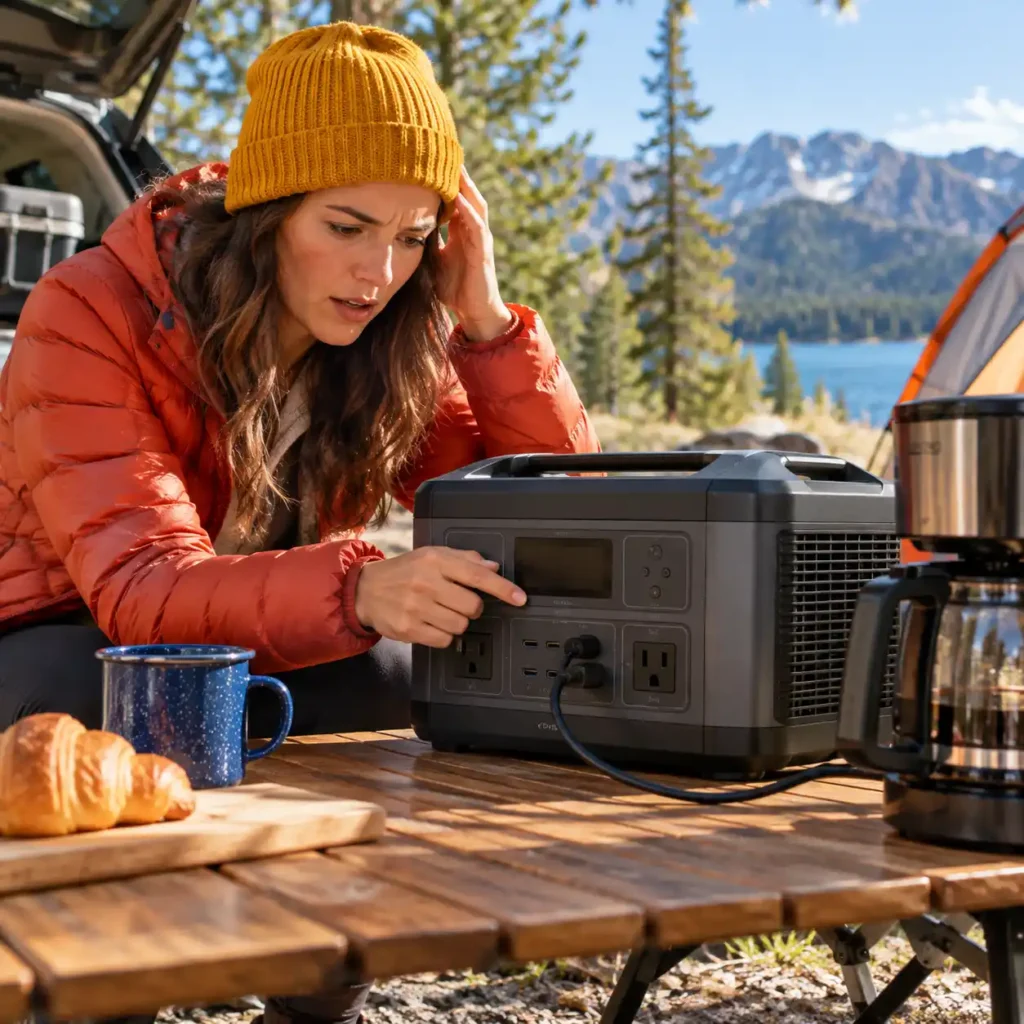
Table of Contents
Quick Answer: Why Does a Portable Power Station Shut Off Under Load?
A portable power station may shut off under load because an appliance exceeds its power limits, demands more startup power than the inverter can supply, or triggers battery, temperature, or electrical protection. If only the AC outlets turn off, Eco mode or an automatic shutdown setting may be responsible.
First, identify whether the entire station shut down or only one output. Check the display for warnings and compare the appliance’s power requirements with the station’s specifications.
| What happens | Possible cause | What to check first |
|---|---|---|
| The station shuts off when an appliance starts | Startup surge or overload | The appliance’s starting demand and the station’s surge rating |
| The station shuts off after running for a while | Sustained overload, overheating, or a battery-related issue | Load level, ventilation, temperature warnings, and battery status |
| Only the AC outlets turn off during a low-load period | Eco mode or automatic AC shutdown | Output settings and the user manual |
| The display shows a fault or temperature warning | A protection system has activated | The exact warning and the manufacturer’s instructions |
| The station repeatedly shuts down with a compatible load | A connection, battery, inverter, or other equipment fault | The model-specific troubleshooting procedure |
These are diagnostic clues, not definitive diagnoses. Check the manufacturer’s instructions before attempting a reset or further testing. If you notice smoke, a burning smell, swelling, melted connectors, abnormal heat, or visible damage, stop using the station and follow the manufacturer’s safety guidance.
For additional information on battery-related fire hazards and recognized safety standards, consult the U.S. Consumer Product Safety Commission’s battery safety resources.
First, Identify Why Your Portable Power Station Shuts Off Under Load
Before troubleshooting, determine whether the entire power station has shut down or only one output has stopped working. Check the display, indicator lights, and connected devices to establish what remains operational.
The Entire Power Station vs. AC, DC, or USB Output
Identify which part of the station lost power:
The entire station turns off: Check the battery status and any recorded warning or error code.
Only the AC outlets stop working: Check the AC output status and look for an overload, Eco Mode, or other warning.
Only a DC or USB output stops working: Check the affected port, cable, and any port-specific warning.
For example, if a refrigerator stops running but the display and USB ports remain active, the problem may be limited to the AC output rather than the entire station.
These symptoms help narrow the diagnosis but do not confirm a specific fault. Check the manufacturer’s manual for model-specific indicators and troubleshooting instructions.
What the Timing and Display Can Tell You
Note when the shutdown occurs and record any displayed error code or warning before attempting a reset.
During startup: Check the appliance’s starting power requirements against the station’s rated and surge output limits.
After sustained operation: Check the connected load, ventilation, temperature warnings, and battery status.
After a period of low power consumption: If only the AC output stops, check Eco Mode and automatic shutdown settings.
When a fault warning appears: Record the exact message and follow the manufacturer’s troubleshooting instructions.
Timing and display messages provide clues, not definitive diagnoses. If you notice smoke, a burning smell, swelling, visible damage, or abnormal heat, stop using the station rather than continuing diagnostic tests.
Common Causes of a Portable Power Station Shutting Off Under Load

A portable power station can shut off under load when the connected appliance exceeds the inverter’s power limits, the battery cannot maintain the required output, or a protection system detects an unsafe operating condition. The timing of the shutdown, the connected load, and any displayed warning can help narrow down the possible cause.
Startup Surge vs. Continuous Overload
Some appliances briefly draw more power when they start than they consume during normal operation. This initial demand is called startup surge or starting power. Refrigerators, freezers, pumps, and other motor-driven appliances may require additional power to start.
A power station may support an appliance’s normal running wattage but still shut off when the appliance starts if the initial demand exceeds the inverter’s capabilities.
A continuous overload occurs when the connected equipment draws more power than the station can supply within its rated operating limits. This can happen when one appliance exceeds the limit or when several devices operate simultaneously.
To distinguish these situations, check the following:
Shutdown during startup: Compare the appliance’s starting-power requirements with the station’s documented surge capability and permitted surge duration.
Shutdown during operation: Add the simultaneous power demands of the connected devices and compare the total with the station’s rated AC output.
An overload warning appears: Follow the manufacturer’s instructions for that specific warning.
Do not rely on a universal surge multiplier. Starting requirements vary by appliance, and a station’s advertised peak output may only be available briefly. Check the inverter’s continuous output rating, surge capability, and permitted surge duration.
For detailed calculations, use the Appliance Wattage Calculator to estimate running and starting power, then compare the results with your station’s specifications.
Low Battery and Voltage Sag
A low battery can contribute to a shutdown, particularly when a demanding appliance is connected. However, the displayed battery percentage alone does not establish the cause.
Under a heavy load, the battery’s voltage can temporarily drop. This is known as voltage sag. If the voltage falls below the system’s permitted operating threshold, the station may reduce output or shut down to protect its battery and electrical components.
Voltage sag can depend on the load, battery condition, temperature, and power station design. An aging or impaired battery may behave differently from a healthy one, but a shutdown under load does not by itself prove that the battery is defective.
Check the following:
Battery percentage and any low-battery or battery-fault warning.
Whether shutdown occurs only with demanding appliances or also with smaller loads.
Any battery or voltage-related warning shown on the display or companion app, if supported.
The manufacturer’s operating-temperature limits and other conditions that may affect battery output.
If the battery is low, recharge the station using a compatible method specified by the manufacturer before testing it again. If battery or voltage warnings persist despite a suitable charge and operating conditions, stop testing and consult the manufacturer.
Remember that battery capacity, measured in watt-hours (Wh), and output power, measured in watts (W), describe different capabilities.
If you need to estimate the power and energy capacity required for your planned devices, use the Power Station Size Calculator to calculate your requirements before comparing models.
A larger battery capacity does not automatically mean the station can deliver more power.
Overheating and Temperature Protection
Portable power stations use temperature monitoring to help protect their batteries and power electronics. Depending on the model, the unit may reduce output, stop charging, disable an output, or shut down when temperatures move outside its permitted operating range.
Excessive heat can develop when the station operates under a demanding load, ventilation openings are obstructed, ambient temperatures are high, or the unit is exposed to direct sunlight or another heat source. Cold conditions can also affect battery performance and trigger temperature-related restrictions.
A temperature warning, an unusually hot enclosure, or a shutdown after sustained operation may indicate a temperature-related issue. However, timing alone cannot confirm overheating.
If the manufacturer’s instructions indicate a temperature-related shutdown, disconnect unnecessary loads and allow the station to return to an acceptable temperature in a suitable, ventilated location. Keep ventilation openings clear and follow the specified operating-temperature range.
Do not cool the station with water, place it in a refrigerator or freezer, or bypass its thermal protection. If the unit becomes abnormally hot, emits a burning smell, or shows signs of physical damage, stop using it and follow the manufacturer’s safety guidance.
Short Circuits and Other Faults
Not every shutdown is caused by excessive power demand. A damaged cable, faulty appliance, short circuit, poor connection, or internal electrical fault can also trigger protective shutdowns.
If the station repeatedly shuts down when a particular appliance or cable is connected, that equipment or connection may be contributing to the problem. However, this pattern does not prove that the appliance itself is faulty.
If there are no signs of an immediate safety hazard, follow the manufacturer’s troubleshooting procedure:
Record any error code or warning before resetting the station.
Turn off the affected output and disconnect the appliance as directed in the manual.
Inspect accessible cables and connectors for damage, discoloration, or signs of overheating.
Check the appliance and connection requirements against the station’s specifications.
Perform further tests only if the manual permits them, using compatible, undamaged equipment.
Do not open the power station, attempt internal electrical repairs, bypass protective systems, or repeatedly reconnect equipment that triggers a fault. If shutdowns persist with compatible equipment or an electrical fault warning recurs, contact the manufacturer or an authorized service provider.
Why Does the AC Output Shut Off When the Load Is Small?
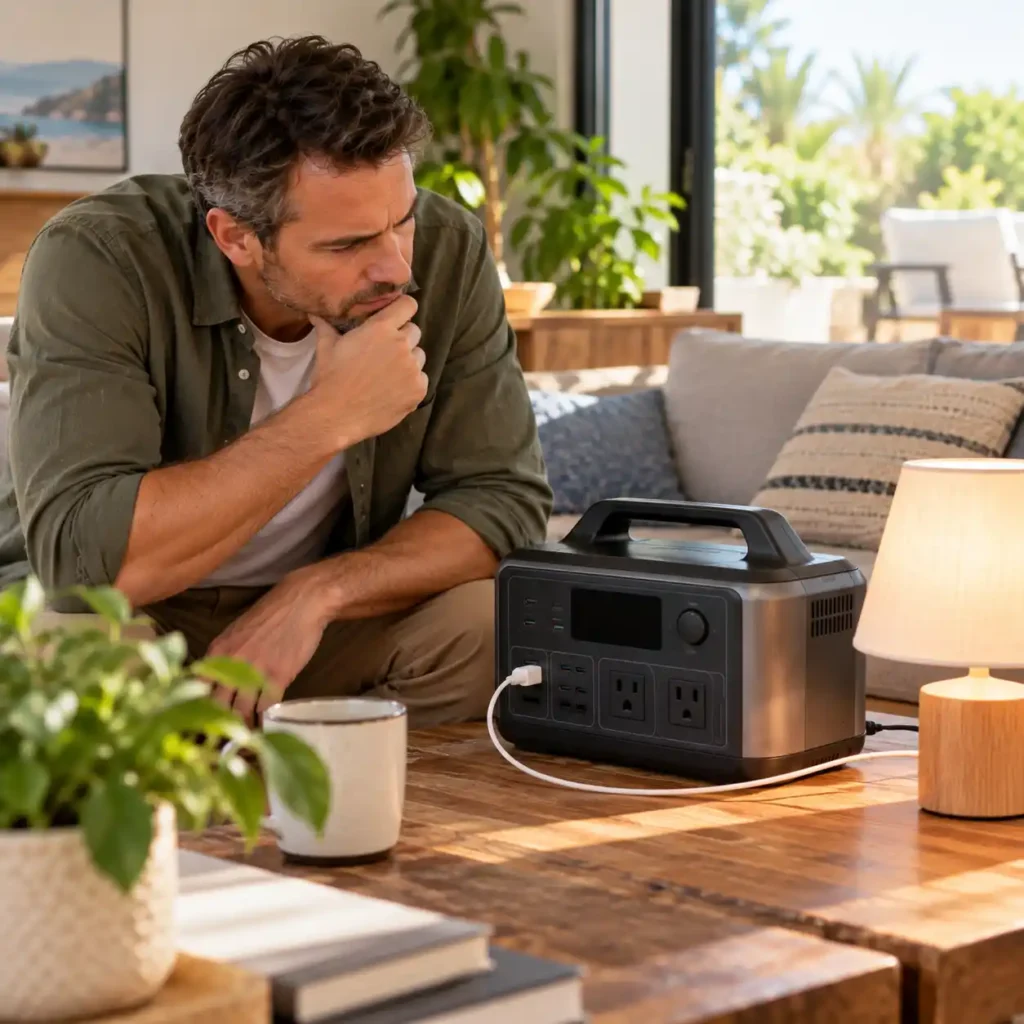
If your portable power station keeps running but its AC output turns off while an appliance is connected, the cause may be an automatic power-saving feature rather than an overload. Some models stop supplying AC power when the connected load remains below a specified level or when an AC output timer expires.
This behavior can be particularly confusing with refrigerators and freezers, which do not draw the same amount of power continuously. Before treating the shutdown as a fault, check the station’s AC settings and the appliance’s operating cycle.
Eco Mode, Low-Load Shutdown, and AC Timeout
Portable power stations may use different names and settings for automatic AC shutdown, including Eco Mode, energy-saving mode, low-load shutdown, or AC timeout. These functions are model-specific, so their behavior and configuration options vary.
Eco Mode or low-load shutdown: The station may turn off its AC inverter when the connected appliance draws less power than the model’s detection threshold for a specified period.
AC timeout: The AC output may switch off after a preset period, depending on the station’s settings and operating mode.
Output-specific behavior: The AC outlets may turn off while the display, battery management system, and DC or USB outputs remain active.
To determine whether an automatic setting is responsible:
Check the display or companion app for an Eco Mode indicator, AC timeout setting, or low-load warning.
Consult the manual for the exact model to find out how low-load detection and automatic shutdown work.
If the manufacturer permits it, temporarily disable the relevant energy-saving feature and observe whether the AC output remains active.
If the output still shuts off, check for error codes, overload warnings, temperature alerts, or other faults.
Do not assume that every power station has the same low-load threshold or timeout period. Some models allow these settings to be changed; others use fixed behavior. Disabling an energy-saving feature may also reduce runtime, so use the setting appropriate for the connected appliance.
Why Refrigerators and Freezers Can Lose Power Between Cycles
Refrigerators and freezers are intermittent loads. Their compressors switch on when cooling is needed and stop when the appliance reaches its target temperature. Power consumption can therefore fall substantially between compressor cycles, even though the appliance remains plugged in and needs a continuous supply of electricity.
This can create a problem when a portable power station uses low-load detection to control its AC output.
For example, the compressor may run normally while the station supplies AC power. When the compressor stops, the refrigerator’s electrical demand may drop below the station’s low-load detection threshold. If the station interprets that period as an idle load and switches off its inverter, the refrigerator may lose power before the next cooling cycle begins.
The exact outcome depends on the power station’s control logic, the refrigerator’s electrical demand between cycles, and the duration of the low-load period. Not every refrigerator or power station will experience this behavior.
If a refrigerator or freezer repeatedly loses AC power between cycles, use these checks:
Check the AC output status. If the station remains on but the AC indicator goes out, investigate automatic AC shutdown settings before assuming the battery or inverter has failed.
Review Eco Mode and timeout settings. Check the manufacturer’s instructions for settings that could interrupt power during periods of low demand.
Observe a complete cooling cycle. Note whether AC power stops when the compressor switches off, when it starts again, or after a fixed period.
Check for other warnings. An overload, temperature alert, or fault code may indicate a different cause.
If the manufacturer provides a suitable setting to prevent low-load shutdown, follow its instructions and verify that the refrigerator can complete repeated cooling cycles without interruption.
Important: If you are powering a refrigerator or freezer to protect food or medication, do not assume that the appliance is receiving continuous power just because the station’s display remains on. Verify that the AC output stays active throughout the cooling cycle and follow the appliance manufacturer’s guidance for safe temperature maintenance.
Why Does a Power Station Shut Off While Charging and Powering Devices?

If a portable power station shuts off while charging and powering connected devices, check whether the model supports this operating mode and whether its input and output limits permit the current setup.
Some models support pass-through charging, but supported configurations and operating limits vary. Do not assume that every station can deliver its full rated output while charging or that every charging source behaves identically.
To narrow down the cause:
Check the operating mode: Consult the manual to confirm that simultaneous charging and power delivery are supported.
Check the connected load: Compare the total demand with the output limits specified for the current operating mode.
Check the charging input: Look for input-related warnings and verify that the charging source and connection meet the manufacturer’s requirements.
Identify what stopped: Determine whether the entire station shut down, only an output stopped, or charging was interrupted.
If the problem occurs only during simultaneous charging and use, follow the model-specific troubleshooting procedure. If the station repeatedly shuts down or reports a persistent fault, stop testing and contact the manufacturer.
Do not assume that an EPS or UPS mode is responsible simply because the station is connected to a wall outlet. Its behavior and limitations must be verified in the documentation for the specific model.
How to Diagnose the Shutdown Step by Step
To find out why a portable power station shuts off under load, change one variable at a time and observe what happens. Start with the display and connected equipment before changing settings or testing a different appliance. This helps distinguish an overload from an automatic shutdown, a charging limitation, or a possible equipment fault.
Step 1: Check for Safety Warning Signs
Before reconnecting anything, inspect the power station, cables, plugs, and connected appliance for visible damage.
Stop using the station immediately if you notice smoke, a burning smell, swelling, melted connectors, damaged cables, or abnormal heat. Do not restart the unit or attempt to open its enclosure. Follow the manufacturer’s safety instructions and contact authorized service if necessary.
If there are no warning signs, continue with the checks below.
Step 2: Identify What Actually Shut Off
Check whether the entire power station turned off or only one output stopped working.
The entire unit shut down: Check the battery status, display messages, and recorded error codes.
Only the AC outlets stopped: Investigate the AC output, connected appliance, overload protection, and automatic shutdown settings.
Only a DC or USB output stopped: Check the affected port, cable, connected device, and any port-specific warnings.
Charging stopped but the station remained on: Investigate the charging source, input connection, and charging-related warnings.
Record the exact symptom before resetting the unit. A display that remains on does not necessarily mean every output is operating normally.
Step 3: Record the Shutdown Conditions
Note what was connected, which outputs were active, and when the shutdown occurred. Check the display or companion app for warnings before resetting the station.
| When the shutdown occurs | What to investigate first |
|---|---|
| As an appliance starts | Startup surge and applicable output limits |
| After several minutes of operation | Continuous overload, temperature protection, or battery-related warnings |
| When the appliance’s demand drops | Eco Mode, low-load shutdown, or AC timeout |
| During simultaneous charging and use | Supported operating mode and model-specific input/output limits |
| With a fault code or warning | The exact message and the manufacturer’s troubleshooting instructions |
These patterns narrow the possibilities but do not establish the cause on their own. For example, a shutdown after several minutes does not automatically mean the station is overheating.
Step 4: Check the Total Connected Load
Identify the appliances running simultaneously and compare their power requirements with the station’s applicable continuous output rating. For appliances with motors or compressors, also check their starting-power requirements against the station’s surge capability and specified surge duration.
If the connected load exceeds an applicable limit, switch off the affected equipment and reduce the load before testing again. Do not assume that a station with a larger battery capacity can necessarily power a more demanding appliance: stored energy in watt-hours (Wh) and output capability in watts (W) are different specifications.
Step 5: Check Battery and Temperature Warnings
Review the battery status and any low-voltage, battery, or temperature warnings shown by the station.
If the battery is low, recharge it using a method supported by the manufacturer before repeating the test.
If a temperature warning appears, follow the manual’s instructions for safe operating conditions and cooling. Do not use water or refrigeration to cool the unit.
If the station reports a battery or internal fault, follow the specified service procedure rather than repeatedly restarting it.
A displayed battery percentage alone cannot prove that the battery caused the shutdown. Likewise, the timing of the event cannot confirm overheating without supporting indicators.
Step 6: Check Automatic Shutdown Settings
If the station stays on but the AC output stops during a low-power period, check Eco Mode, low-load shutdown, and AC timeout settings.
Consult the manual for the exact model before changing a setting. If the manufacturer permits it, adjust the relevant setting temporarily and observe whether the output remains active. Restore an appropriate setting afterward, taking energy consumption and runtime into account.
For refrigerators and freezers, verify that AC power remains available between compressor cycles and during subsequent restarts.
Step 7: Test One Compatible Load at a Time
Only if the previous checks reveal no safety concern, disconnect the original load and test the station with one known-compatible device, following the manufacturer’s instructions.
If the station works with the smaller load, investigate the original appliance’s demand, startup surge, cable, and compatibility.
If the same output shuts off with a compatible load, check for warnings, settings, and connection issues.
If the shutdown happens only during simultaneous charging and use, recheck whether the model supports that operating mode and whether its limits differ in that condition.
Do not repeatedly reproduce a fault just to collect more evidence. If a warning returns, record it and follow the manual’s instructions.
When to Stop Troubleshooting
Not every shutdown can be resolved by reducing the load or changing an output setting. A portable power station may shut off to protect itself from an unsafe operating condition. If basic checks do not identify a clear, safe solution, stop testing and follow the manufacturer’s instructions. The goal is to identify the category of failure, not to defeat the protection that triggered the shutdown.
Stop Immediately if You Notice Damage or Abnormal Heat
Disconnect the station from external power sources and connected devices only if you can do so safely. Stop using the unit if you notice any of the following:
Smoke, a burning smell, or signs of melting.
A swollen, deformed, or damaged enclosure.
Abnormally hot connectors, plugs, cables, or the power station itself.
Frayed cables, exposed conductors, damaged ports, or signs of liquid ingress.
Sparks, unusual electrical noises, or other signs of electrical damage.
Do not touch damaged electrical connections or attempt to disconnect equipment if doing so would expose you to an electrical hazard. If there is smoke, fire, or immediate danger, move away and contact emergency services as appropriate.
Never open the battery enclosure, attempt an internal repair, bypass protective circuits, or cool the unit with water or refrigeration. Follow the manufacturer’s safety guidance.
Stop Repeated Testing if Errors Return
A recurring shutdown or fault code should not be treated as a problem that can always be solved with a reset.
Stop testing and consult the manual or manufacturer if:
The same error returns after you have followed the prescribed troubleshooting steps.
The station shuts down repeatedly with a compatible load.
A battery, inverter, temperature, or internal fault warning persists.
The station cannot maintain output under conditions within its specified limits.
Charging repeatedly stops or produces an error that the manual does not identify as user-correctable.
Do not keep reconnecting the same appliance or repeatedly restarting the station to see whether the fault disappears. If the manual specifies a recovery procedure, follow it as directed. Otherwise, seek manufacturer guidance.
Contact Manufacturer Support
Before contacting support, collect the information needed to distinguish a load-related problem from an equipment fault:
Exact model: Model name and number, plus the serial number if requested through the manufacturer’s official support channel.
Shutdown behavior: Whether the entire station turns off, only one output stops, or charging is interrupted.
Connected equipment: Appliance type, number of devices, and their rated power requirements.
Operating conditions: Battery status, charging source, active output ports, and whether the problem occurs during startup, sustained operation, or a low-load period.
Warnings: Exact error code or message, preferably recorded before resetting the unit.
Troubleshooting completed: Settings checked, connections inspected, and any manufacturer-approved tests performed.
Use the manufacturer’s official support channel and follow its instructions for warranty assessment, repair, or replacement. Do not ship a damaged or potentially unsafe battery-powered device until the manufacturer or carrier confirms the appropriate procedure.
If there are signs of physical damage, abnormal heat, smoke, or a persistent internal fault, stop using the station. If the unit appears undamaged but shutdowns continue, avoid further experimentation and let the manufacturer determine whether it requires service.
Frequently Asked Questions
Can a Portable Power Station Be Too Small for an Appliance Even If It Has Enough Battery Capacity?
Yes. Battery capacity, measured in watt-hours (Wh), indicates how much energy a station can store, while output power, measured in watts (W), indicates how much power it can supply at a given time. A station may have enough stored energy to run an appliance for several hours but still be unable to support its running wattage or startup surge. Check the appliance’s power requirements against the station’s continuous output rating and, where applicable, its surge capability.
Why Does My Portable Power Station Shut Off With Different Appliances?
If a station shuts off with different appliances, check whether their combined power demand exceeds the station’s limits, whether the battery is sufficiently charged, and whether a warning or automatic shutdown setting is involved. If the station repeatedly shuts down with different compatible loads, the issue may involve a connection, output, battery, or internal fault. Record any warning and follow the manufacturer’s troubleshooting instructions rather than repeatedly restarting the unit.
Should I Reset My Portable Power Station After It Shuts Off?
Not automatically. First, record any error code or warning and identify which output stopped working. Check the connected load, battery status, temperature indicators, and the manufacturer’s troubleshooting instructions. Reset the station only if the manual recommends or permits it for the specific condition. Do not reset or restart a unit that shows signs of damage, abnormal heat, smoke, swelling, or another potential safety hazard.
Why Does My Portable Power Station Shut Off Even Though My Appliance Is Within Its Rated Wattage?
An appliance’s rated running wattage does not account for every operating condition. The appliance may draw additional power during startup, other connected devices may increase the total load, or the station may activate battery, temperature, or electrical protection. An automatic AC shutdown setting may also interrupt power when demand falls below a model-specific threshold. Compare the appliance’s running and starting requirements with the station’s specifications, and check any warning messages before attempting further tests.
Conclusion
When a portable power station shuts off under load, the cause may be an overload, startup surge, battery limitation, temperature protection, or an electrical fault. Check the symptoms and manufacturer’s instructions before reconnecting the appliance. If shutdowns persist with a compatible load or the station shows signs of damage, abnormal heat, or a recurring fault, stop using it and contact the manufacturer. Never bypass protective functions or repeatedly restart the unit to force it to operate.