
Whether you’re protecting a home office, gaming PC, NAS storage system, networking equipment, or critical electronics from unexpected power outages, choosing the right UPS battery backup system can make a significant difference in both productivity and equipment protection.
The challenge is that the best UPS battery backup system isn’t simply the one with the highest VA rating or the longest advertised runtime. One model may be ideal for a gaming PC with an active PFC power supply, another may provide quieter operation for a professional workspace, while a third may offer better value for protecting a modem, router, and NAS during short outages and voltage fluctuations.
For this guide, we evaluated today’s leading UPS battery backup systems based on the factors that matter most in real-world use: power capacity, pure sine wave output, automatic voltage regulation (AVR), runtime under realistic loads, software support, outlet configuration, battery replacement availability, noise levels, and overall long-term reliability.
Rather than recommending one “perfect” UPS for every situation, this guide explains the strengths, limitations, and ideal use cases for each model, helping you choose the best UPS battery backup system for your equipment, workspace, budget, and backup power needs.
As an Amazon Associate, we earn from qualifying purchases.
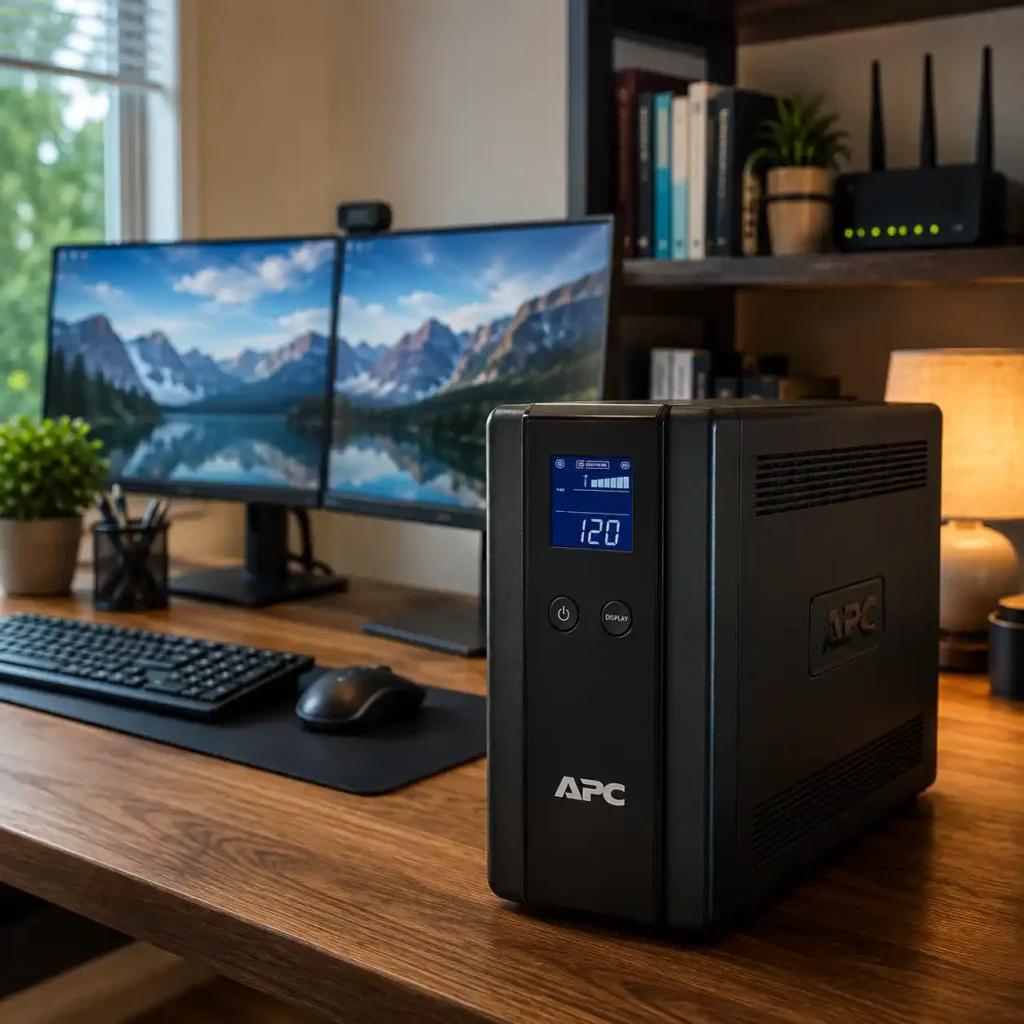
Table of Contents
Quick Answer
The best UPS battery backup system in 2026 is the APC BR1500MS2 Back-UPS Pro 1500VA, thanks to its excellent combination of pure sine wave output, reliable automatic voltage regulation, strong runtime performance, modern connectivity options, and dependable long-term reliability. It provides enough backup power for most home office workstations, gaming PCs, networking equipment, and NAS devices while offering better overall versatility than most competing consumer UPS models.
If your priorities are different, there are several other excellent options. The CyberPower CP1500PFCLCD is ideal for gaming PCs and systems with active PFC power supplies, the APC BX1500M delivers excellent value for everyday home office protection, the Eaton 5S1500LCD is a strong choice for quiet productivity-focused workspaces, while the CyberPower CP1350AVRLCD3 stands out for protecting routers, modems, switches, and NAS storage systems during outages and voltage fluctuations.
The right UPS battery backup system ultimately depends on the equipment you need to protect, your power consumption, the amount of runtime you expect during an outage, and whether you need pure sine wave output, advanced software integration, or simply reliable backup power for essential electronics. This guide compares each recommended model in detail, explaining where it excels, its limitations, and which type of user will benefit most from choosing it.
Why You Can Trust Power Ready Guide
At Power Ready Guide, we focus exclusively on backup power, UPS systems, portable energy solutions, solar power equipment, and emergency preparedness. Our recommendations are based on extensive product research, manufacturer specifications, long-term reliability data, software ecosystem analysis, independent testing information, and real-world user feedback from home office, gaming, networking, and small-business environments.
For this guide, we evaluated every UPS battery backup system using the same criteria, including:
Realistic power capacity and usable wattage
Pure sine wave vs. simulated sine wave output
Automatic Voltage Regulation (AVR) performance
Runtime under common desktop, gaming, and networking loads
Transfer speed during power outages
Software support and USB connectivity
Outlet configuration and battery-backed outlet availability
Noise levels during normal operation and battery mode
Battery replacement availability and long-term maintenance costs
Overall value for money and suitability for different use cases
We don’t simply recommend the most expensive UPS. Instead, we identify the best UPS battery backup system for specific real-world scenarios, whether you’re protecting a gaming PC, home office workstation, NAS storage server, modem and router setup, or other essential electronics that need reliable backup power and surge protection.
How We Evaluated the Best UPS Battery Backup Systems

Every UPS battery backup system in this guide was evaluated using the same research framework to ensure fair, consistent, and objective comparisons. Instead of focusing on a single specification such as VA rating, we assessed how each unit performs as a complete backup power solution for real-world home office, gaming, networking, and small-business environments.
A higher VA rating does not automatically make a UPS the best choice. For many users, pure sine wave output, voltage regulation quality, runtime under realistic loads, software integration, acoustic performance, and long-term maintenance costs are just as important as maximum capacity. Our evaluation focuses on the practical trade-offs buyers face when choosing a UPS battery backup system for everyday equipment protection.
Each recommendation was assessed using the following criteria:
Usable power output (watts) for supporting desktops, gaming systems, monitors, networking equipment, and NAS devices.
Output waveform quality, with preference given to pure sine wave models for compatibility with modern active PFC power supplies.
Automatic Voltage Regulation (AVR) performance for handling brownouts, overvoltage conditions, and frequent voltage fluctuations without unnecessarily switching to battery power.
Runtime under realistic loads, including typical home office, gaming, and networking power consumption scenarios.
Transfer speed and outage response, ensuring connected devices remain stable during sudden power interruptions.
Software support and monitoring features, including USB connectivity, shutdown automation, and compatibility with common operating systems and NAS platforms.
Outlet configuration, including the number of battery-backed outlets, surge-only outlets, and spacing for larger power adapters.
Noise levels and thermal behavior, particularly for quiet offices, bedrooms, studios, and other noise-sensitive environments.
Battery replacement availability and long-term ownership costs, which significantly affect the practical lifespan of a UPS system.
Overall value for money, comparing performance, features, reliability, and maintenance considerations rather than simply recommending the most expensive model.
We also considered different usage scenarios, because the ideal UPS for a gaming PC is often very different from the best choice for a NAS server, networking closet, quiet workstation, or budget-friendly home office setup.
Our goal is not to identify the most powerful UPS on the market. It is to recommend the best UPS battery backup systems for different real-world situations, helping you choose a model that provides reliable protection for your equipment without paying for unnecessary capacity or features.
Who This Guide Is For
Buying a UPS battery backup system is not just about choosing the highest VA rating or the longest advertised runtime. The right UPS depends on the equipment you need to protect, how sensitive that equipment is to power interruptions, how long you need it to stay operational during an outage, and whether voltage fluctuations are a frequent problem in your area.
This guide is designed for users who want to make a confident buying decision based on real-world protection needs rather than marketing claims.
It is especially helpful for:
Home office users who need to keep a desktop computer, monitors, modem, router, and other productivity equipment running long enough to save work and shut down safely during outages.
Remote workers and professionals who cannot afford unexpected interruptions during video calls, cloud-based work, or client sessions.
PC gamers and power users who need a UPS that works reliably with modern active PFC power supplies and high-performance gaming hardware.
NAS and home server owners who want enough runtime for safe automatic shutdowns and protection against data corruption during sudden power loss.
Home networking users who need continuous operation for routers, modems, switches, mesh Wi-Fi systems, and security cameras during short outages and voltage fluctuations.
Small business users looking for reliable backup power for workstations, networking equipment, and essential office electronics without moving to expensive enterprise UPS platforms.
Buyers comparing APC, CyberPower, and Eaton models before investing in a long-term UPS battery backup system for home or office use.
Whether your priority is pure sine wave output, quiet operation, gaming compatibility, NAS protection, networking reliability, or the best overall value, this guide will help you choose the best UPS battery backup system for your equipment, workspace, and budget.
Quick Summary: Our Top Picks
Not every UPS battery backup system is designed for the same type of user. Some prioritize pure sine wave output for gaming PCs and professional workstations, while others focus on value, quiet operation, NAS protection, or reliable networking backup during short outages and voltage fluctuations.
The UPS systems below earned their awards based on our evaluation of power capacity, AVR performance, runtime under realistic loads, software support, acoustic performance, outlet configuration, battery replacement availability, overall usability, and long-term value.
APC BR1500MS2 Back-UPS Pro 1500VA
Award: Best Overall
Why It Won:
Delivers the strongest overall combination of pure sine wave output, reliable AVR performance, modern connectivity features, dependable runtime, and long-term ownership value, making it the most versatile UPS battery backup system for the majority of home office and workstation users.
Choose This If:
You want reliable protection for a desktop PC, monitors, networking equipment, and external storage.
You need pure sine wave compatibility for modern power supplies.
You want a UPS that balances performance, runtime, features, and reliability.
Best For:
Home offices
Professional workstations
Networking equipment
Everyday productivity systems
CyberPower CP1500PFCLCD PFC Sinewave UPS
Award: Best for Gaming PCs
Why It Won:
Offers excellent compatibility with active PFC gaming power supplies, strong AVR performance, detailed LCD monitoring, and reliable backup power for high-performance desktop systems.
Choose This If:
You use a gaming PC with a modern 80 Plus power supply.
You want pure sine wave output for maximum hardware compatibility.
You need reliable protection against both outages and voltage fluctuations.
Best For:
Gaming PCs
High-performance desktops
Streaming setups
Content creation systems
APC BX1500M Back-UPS 1500VA
Award: Best Value
Why It Won:
Provides dependable backup power, effective surge protection, and solid runtime performance at a more affordable price than premium pure sine wave UPS models.
Choose This If:
You want reliable backup power without paying for advanced workstation features.
You need protection for a desktop computer, monitors, modem, and router.
You want a trusted APC platform with widely available replacement batteries.
Best For:
Home offices
Family computers
Networking equipment
Budget-conscious buyers
Eaton 5S1500LCD UPS
Award: Best for Quiet Workspaces
Why It Won:
Stands out for its quiet operation, efficient power management, clear LCD interface, and dependable protection for productivity-focused environments where low noise is an important consideration.
Choose This If:
Your UPS will sit in a bedroom, studio, or quiet office.
You want minimal fan noise during normal operation.
You need reliable protection for professional productivity equipment.
Best For:
Quiet offices
Remote work setups
Audio or studio environments
Productivity-focused workstations
CyberPower CP1350AVRLCD3 Intelligent LCD UPS
Award: Best for NAS & Networking
Why It Won:
Combines AVR, LCD monitoring, compact deployment flexibility, and excellent support for networking equipment and NAS devices that require safe shutdown capability during outages.
Choose This If:
You run a Synology or QNAP NAS.
You need backup power for a modem, router, switch, or mesh Wi-Fi system.
You want an efficient UPS dedicated to networking and data protection tasks.
Best For:
NAS storage systems
Routers and modems
Mesh Wi-Fi networks
Home server and networking closets
Still not sure which UPS battery backup system is right for your setup? The detailed reviews below explain where each model excels, its limitations, and which type of user will benefit most from choosing it.
Best UPS Battery Backup Systems Compared
| Model | Award | Capacity | Output | Best For |
|---|---|---|---|---|
| APC BR1500MS2 | Best Overall | 1500VA | 900W | Home Office & Workstations |
| CyberPower CP1500PFCLCD | Best for Gaming PCs | 1500VA | 1000W | Gaming & High-Performance PCs |
| APC BX1500M | Best Value | 1500VA | 900W | Everyday Home Office Backup |
| Eaton 5S1500LCD | Best for Quiet Workspaces | 1500VA | 900W | Quiet Productivity Setups |
| CyberPower CP1350AVRLCD3 | Best for NAS & Networking | 1350VA | 810W | NAS, Routers & Networking Equipment |
The Best UPS Battery Backup Systems Reviewed
APC BR1500MS2 Back-UPS Pro 1500VA
Best Overall UPS Battery Backup System

Quick Verdict
The APC BR1500MS2 Back-UPS Pro 1500VA earns our Best Overall UPS Battery Backup System award because it delivers the strongest overall balance of pure sine wave output, reliable automatic voltage regulation, practical runtime, modern connectivity, and long-term ownership value for the majority of home office and professional desktop users.
Unlike many consumer UPS models that excel in only one area, the BR1500MS2 is designed to be a well-rounded protection platform. It provides enough usable power to support a complete workstation setup—including a desktop PC, multiple monitors, networking equipment, external drives, and other essential electronics—while maintaining compatibility with modern active PFC power supplies that often perform best with pure sine wave UPS systems.
Another reason this model stands out is its focus on everyday usability rather than emergency-only operation. The clear LCD interface, intelligent AVR behavior, USB connectivity, and integrated USB charging ports make it a UPS that fits naturally into a modern workspace instead of feeling like a specialized piece of backup equipment that only becomes relevant during a blackout.
What ultimately makes the BR1500MS2 our top recommendation is its consistency. Some UPS units offer higher wattage, lower pricing, or additional enterprise-style features, but very few combine clean power delivery, dependable voltage regulation, useful connectivity, quiet day-to-day operation, and APC’s proven reliability as successfully as this model. For most homeowners, remote workers, and workstation users looking for a UPS that simply does everything well, the BR1500MS2 is the safest long-term choice in this guide.
Home Backup Snapshot
| Feature | Details |
|---|---|
| Best For | Home Office • Workstations • Networking Equipment |
| Capacity | 1500VA / 900W |
| Output Type | Pure Sine Wave |
| Automatic Voltage Regulation | Yes |
| Battery-Backed Outlets | 10 |
| Connectivity | USB + USB-C Charging Ports |
| Ideal User | Remote workers, professionals, and home office users who need reliable backup power, clean sine-wave output, and dependable long-term workstation protection. |
Why We Chose It
Choosing the best UPS battery backup system requires looking beyond VA ratings and marketing claims. What matters most is how the UPS performs during the situations users encounter most often: brief outages, brownouts, voltage fluctuations, accidental circuit trips, and unexpected power interruptions while important work is in progress.
That’s exactly why the APC BR1500MS2 earned our Best Overall recommendation.
Its pure sine wave output is a major advantage for modern desktops, gaming systems, and professional workstations that use active PFC power supplies. Lower-quality simulated sine wave UPS units can sometimes cause instability, buzzing power supplies, or unexpected shutdown behavior under certain load conditions, while the BR1500MS2 delivers cleaner and more consistent power during battery operation.
We also placed significant emphasis on AVR performance. In many homes, voltage fluctuations occur far more frequently than complete blackouts. The BR1500MS2 is particularly effective at correcting low- and high-voltage conditions without unnecessarily switching to battery power, which helps extend battery life and reduces wear from repeated charge/discharge cycles.
Another factor that influenced our decision was the overall ownership experience. APC’s monitoring software is widely supported, replacement batteries are easy to find, and the unit offers a practical outlet layout that works well for real desktop environments rather than just laboratory-style power testing. Combined with its strong reliability record and balanced feature set, the BR1500MS2 provides one of the most confidence-inspiring UPS experiences available in the consumer and prosumer market today.
Check the latest price and customer reviews on Amazon.

Living With It Every Day
The APC BR1500MS2 is the kind of UPS that quickly becomes invisible in the best possible way. Instead of constantly reminding you that backup power is available, it quietly protects your equipment from the small power disturbances that happen far more often than dramatic blackouts.
Imagine a typical remote-work setup: a desktop workstation, two monitors, a modem, a Wi-Fi router, external SSDs, and a few USB-powered accessories. A sudden power outage occurs in the middle of a video call or while unsaved project files are open. Rather than everything shutting off instantly, the BR1500MS2 keeps the entire workspace running long enough to save files, finish critical tasks, notify colleagues, and perform a controlled shutdown without risking data corruption.
The LCD display is easy to read from a seated position and provides useful information such as load level, estimated runtime, battery status, and input voltage without requiring additional software. During normal operation, the unit remains relatively quiet, making it well suited for home offices, bedrooms, studios, and other shared living spaces where constant fan noise would become distracting over time.
What makes daily ownership especially appealing is that the BR1500MS2 reduces the need for difficult power-priority decisions. With 10 battery-backed outlets, most users can protect an entire workstation and its associated networking equipment without resorting to extra power strips or constantly deciding which devices deserve backup power during an outage.
APC BR1500MS2 Evaluation
| Evaluation Category | Editorial Assessment |
|---|---|
| Workstation Protection | Excellent support for desktop PCs, multiple monitors, networking equipment, and external storage devices. |
| Pure Sine Wave Compatibility | Outstanding compatibility with modern active PFC power supplies and professional workstation hardware. |
| AVR Performance | Very effective at handling brownouts and voltage fluctuations without excessive battery switching. |
| Ease of Ownership | Widely available replacement batteries, mature monitoring software, and a practical outlet layout for real desktop environments. |
| Long-Term Value | Excellent combination of reliability, feature set, runtime, and maintainability for long-term home office use. |
| Overall Rating | Our strongest overall recommendation for home office and professional workstation backup power protection. |
Who Should Buy This
- Home office users running desktop PCs and multiple monitors
- Remote workers who need reliable protection during outages
- Users with modern active PFC power supplies
- Anyone wanting a single UPS for both computing and networking equipment
- Buyers looking for the best long-term balance of performance and reliability
Who Should Skip This
- Users with very small networking-only loads
- Buyers looking for the lowest possible upfront cost
- Large server or rack-mounted environments that require enterprise UPS hardware
- Users who need extended runtime beyond what a standard desktop UPS can provide without external battery expansion
Final Verdict
The APC BR1500MS2 Back-UPS Pro 1500VA earns the top position in this guide because it delivers one of the most complete consumer UPS solutions available today. It combines pure sine wave output, excellent automatic voltage regulation, strong real-world runtime, useful connectivity features, and APC’s proven reliability into a package that works exceptionally well for both home and professional environments.
While some competitors may offer slightly higher wattage or lower upfront pricing, very few provide the same balance of power quality, workstation compatibility, ease of ownership, quiet operation, and long-term dependability. Rather than focusing on a single specification, the BR1500MS2 succeeds by doing every important part of the UPS experience consistently well.
If you’re looking for a UPS battery backup system that can protect a complete workstation, networking equipment, and other essential electronics while remaining easy to live with for years to come, the APC BR1500MS2 is our Best Overall UPS Battery Backup System recommendation.
Check the latest price and customer reviews on Amazon.
Related Guide: If you need backup power for more than computers and networking equipment, our Best Whole House Backup Power Systems (2026) guide compares larger solutions designed to protect essential household appliances and systems during extended outages.
CyberPower CP1500PFCLCD PFC Sinewave UPS
Best UPS Battery Backup System for Gaming PCs

Quick Verdict
The CyberPower CP1500PFCLCD PFC Sinewave UPS earns our Best UPS Battery Backup System for Gaming PCs award because it is specifically designed to handle the demands of high-performance desktop systems with active PFC power supplies, powerful GPUs, and rapidly changing power loads that are common in modern gaming and content-creation setups.
Many UPS units struggle with the sharp power fluctuations generated by gaming PCs during GPU spikes, streaming sessions, rendering workloads, or heavy multitasking. The CP1500PFCLCD is built around pure sine wave output and a 1000W power rating, giving it a meaningful advantage for users running performance-oriented hardware that requires stable, clean power during both normal operation and battery backup mode.
Another reason this model stands out is its focus on real-time visibility. The large color LCD display provides detailed information about input voltage, output load, battery status, runtime estimates, and operating conditions, making it particularly useful for enthusiasts who want to actively monitor their power environment rather than simply rely on basic status LEDs.
What ultimately makes the CP1500PFCLCD the strongest gaming-focused recommendation in this guide is its combination of high usable wattage, active PFC compatibility, fast transfer performance, and excellent value for power-hungry desktop systems. For gamers, streamers, video editors, and creators who need a UPS that can keep demanding hardware stable during outages and voltage disturbances, this is one of the most compelling options currently available.
Home Backup Snapshot
| Feature | Details |
|---|---|
| Best For | Gaming PCs • Streaming Setups • Content Creation Workstations |
| Capacity | 1500VA / 1000W |
| Output Type | Pure Sine Wave |
| Automatic Voltage Regulation | Yes |
| Battery-Backed Outlets | 12 |
| Display | Multifunction LCD Power Monitoring Display |
| Ideal User | Gamers, streamers, video editors, and creators running high-performance PCs with active PFC power supplies who need stable sine-wave backup power and detailed power monitoring. |
Why We Chose It
Choosing the best UPS battery backup system for gaming PCs requires evaluating very different conditions than a typical office workstation. Gaming systems often experience rapid GPU power spikes, high transient loads, streaming workloads, RGB peripherals, external storage devices, and multiple connected displays, all of which place greater demands on a UPS than simple productivity applications.
Few UPS units in this price range handle that kind of load as well as the CP1500PFCLCD does — the main reason it earns our Best for Gaming PCs pick.
Its 1000W output capacity is one of the strongest power configurations available in this class, providing valuable headroom for modern gaming desktops equipped with high-end graphics cards, powerful CPUs, and multiple accessories. The pure sine wave output is especially important for systems using active PFC power supplies, helping maintain stable operation during battery transfer events and reducing the risk of compatibility issues that can occur with lower-quality simulated sine wave UPS units.
We were also impressed by the unit’s monitoring capabilities. Enthusiast users often care about understanding their power environment, and the CP1500PFCLCD provides far more useful operational data than many competing UPS models in the same price range. The detailed LCD interface makes it easy to identify voltage fluctuations, monitor system load, estimate remaining runtime, and verify that the UPS is operating within a comfortable power range.
Another factor that influenced our decision was the overall value proposition. While some premium UPS units offer enterprise-oriented features that many gamers will never use, the CP1500PFCLCD focuses its budget on the features that matter most for performance desktops: high wattage, pure sine wave output, strong AVR behavior, multiple protected outlets, and excellent compatibility with modern gaming hardware.
Check the latest price and customer reviews on Amazon.

Living With It Every Day
The CyberPower CP1500PFCLCD is designed for users whose computers rarely sit idle. In a gaming or creator setup, power consumption can change dramatically within seconds as a GPU ramps up during a new game, a streaming session starts, or a video export begins. That is exactly the type of environment where this UPS feels noticeably more capable than many entry-level battery backup units.
Imagine a desktop with a high-end graphics card, a 27-inch or 32-inch gaming monitor, a second display for chat or editing tools, a Wi-Fi router, and several USB-powered accessories. A brief outage occurs while you are in the middle of a ranked match, recording gameplay, or rendering a large project. Instead of the system instantly shutting down and risking corrupted files or lost progress, the CP1500PFCLCD provides enough stable runtime to save work, close applications properly, and shut the system down in a controlled manner.
The large LCD display becomes genuinely useful in everyday operation. You can quickly check input voltage, current load percentage, battery health, and estimated runtime without opening any software. For enthusiasts who enjoy monitoring system performance, this additional visibility helps identify overloaded circuits, unusual voltage behavior, or unnecessary power consumption from connected devices.
Another practical advantage is the generous outlet configuration. With 12 protected outlets, it is much easier to keep a gaming PC, monitors, speakers, networking equipment, and charging devices connected to a single UPS without resorting to multiple surge strips. Combined with its relatively quiet operation under normal conditions, the CP1500PFCLCD works well not only in dedicated gaming rooms but also in shared home offices and creator studios.
CyberPower CP1500PFCLCD Evaluation
| Evaluation Category | Editorial Assessment |
|---|---|
| Gaming PC Compatibility | Excellent support for modern active PFC gaming desktops and high-performance GPUs. |
| Usable Power Headroom | Outstanding 1000W capacity provides valuable headroom for demanding gaming and creator systems. |
| Power Monitoring | One of the best LCD monitoring implementations in the consumer UPS category. |
| Outlet Flexibility | Excellent outlet count makes it easy to protect an entire gaming or streaming setup from a single UPS. |
| Long-Term Value | Excellent balance of wattage, sine-wave performance, monitoring features, and overall price-to-performance value. |
| Overall Rating | Our strongest recommendation for gaming PCs, streaming rigs, and performance-oriented desktop setups. |
Who Should Buy This
- Gamers running mid-range to high-end desktop PCs
- Streamers who need stable backup power during live broadcasts
- Video editors and creators using GPU-accelerated workloads
Users with active PFC power supplies who want pure sine wave compatibility Enthusiasts who appreciate detailed real-time power monitoring.
Who Should Skip This
- Basic office users with very low power requirements
- Buyers who only need backup power for a modem and Wi-Fi router
- Users seeking the lowest possible UPS price
- Enterprise server environments that require rack-mounted or online UPS solutions
Final Verdict
The CyberPower CP1500PFCLCD PFC Sinewave UPS stands out because it is built for the realities of modern high-performance desktop computing rather than for minimal office loads. Its combination of 1000W usable output, pure sine wave power delivery, strong AVR performance, and excellent monitoring features makes it particularly well suited for gaming PCs, streaming rigs, and creator workstations that place heavier demands on a UPS.
While the APC BR1500MS2 remains our strongest overall choice for the broadest range of users, the CP1500PFCLCD is the model we would choose specifically for a powerful gaming or content-creation setup where higher wattage headroom and active PFC compatibility are top priorities.
If your goal is to protect an expensive gaming PC, maintain stable operation during outages, and gain better visibility into your system’s power environment, the CyberPower CP1500PFCLCD is our Best UPS Battery Backup System for Gaming PCs recommendation.
Check the latest price and customer reviews on Amazon.
Related Guide: If you’re looking for a battery-powered solution that can provide substantially more stored energy for demanding equipment, our Best 1000Wh Portable Power Stations (2026) guide compares larger portable power stations for reliable backup power at home and on the go.
APC BX1500M Back-UPS 1500VA
Best Value UPS Battery Backup System

Quick Verdict
The APC BX1500M Back-UPS 1500VA earns our Best Value UPS Battery Backup System award because it focuses on the features that matter most for everyday power protection while avoiding the premium pricing associated with higher-end workstation-oriented UPS models.
For many home office users, the goal is not to build a perfect enterprise-grade power environment. They simply need a UPS that can keep a desktop PC running long enough to save work, protect electronics from voltage fluctuations, maintain internet connectivity during brief outages, and provide dependable surge protection for years of daily use. That is exactly the niche where the BX1500M performs exceptionally well.
Unlike many budget UPS units that sacrifice outlet count or usable power capacity, the BX1500M still provides a 1500VA / 900W platform with automatic voltage regulation, giving it enough headroom for a typical desktop computer, dual monitors, networking equipment, and several accessories. The AVR functionality is particularly important because it helps correct common household voltage dips and spikes without constantly draining the battery, which can significantly improve long-term battery lifespan.
What ultimately makes the BX1500M stand out is its practicality. It does not try to compete with premium pure sine wave models by adding features that many mainstream users may never notice. Instead, it delivers a strong combination of capacity, outlet flexibility, voltage regulation, ease of setup, and affordability, making it one of the smartest purchases for homeowners who want reliable backup power without paying for capabilities they are unlikely to use.
Home Backup Snapshot
| Feature | Details |
|---|---|
| Best For | Home Office • Everyday PC Backup • Budget-Conscious Buyers |
| Capacity | 1500VA / 900W |
| Output Type | Simulated Sine Wave |
| Automatic Voltage Regulation | Yes |
| Battery-Backed Outlets | 5 |
| Surge-Only Outlets | 5 |
| Ideal User | Home office users, students, and families who need dependable battery backup and voltage regulation for everyday computing, internet equipment, and essential electronics without paying for premium UPS features. |
Why We Chose It
Choosing the best value UPS battery backup system is very different from choosing the most advanced UPS overall. A value-oriented recommendation must balance purchase price, usable power capacity, outlet flexibility, reliability, and long-term operating costs rather than simply maximizing features.
The BX1500M hits that balance better than most units in its price range, which is what earns it our Best Value award.
Its 900W usable output is unusually strong for a UPS in this price category and provides enough capacity for the kinds of loads most households actually use: desktop PCs, monitors, Wi-Fi routers, cable modems, external drives, printers, and other everyday electronics. Many lower-cost UPS units advertise similar VA ratings while offering significantly less usable wattage, which can become a limitation when protecting a complete workstation.
We also gave considerable weight to APC’s automatic voltage regulation implementation. In many homes, brief voltage dips, brownouts, and overvoltage conditions occur far more frequently than extended blackouts. The BX1500M is effective at correcting these fluctuations without immediately switching to battery power, helping reduce unnecessary battery wear and extending the service life of the unit.
Another important factor is availability and maintainability. Replacement batteries are widely available, APC’s setup process is straightforward even for non-technical users, and the outlet layout is practical for real-world desk and home office environments. Combined with its strong price-to-performance ratio, the BX1500M offers a level of everyday usability that is difficult to match in the budget UPS category.
Check the latest price and customer reviews on Amazon.

Living With It Every Day
The APC BX1500M Back-UPS Pro 1500VA is the kind of UPS that makes the most sense for households where technology is important, but power management is not a hobby. It is designed for people who want their computers, internet connection, and essential electronics to stay protected without having to think about wattage calculations every day.
Picture a typical evening in a busy family home. A parent is finishing work on a desktop PC, a student is attending an online class, the Wi‑Fi router is supporting multiple devices, and a small printer and external drive are connected nearby. A sudden utility interruption occurs during a storm. Instead of every device shutting down at once, the BX1500M keeps the critical equipment running long enough for everyone to save their work, finish important tasks, and avoid the frustration of unexpected shutdowns.
What makes this model especially practical is its balanced outlet configuration. The five battery-backed outlets can be reserved for the computer, monitor, modem, router, and external storage, while the additional surge-only outlets protect less critical accessories from voltage spikes. For many households, that layout is more useful than having a larger number of battery outlets that may never actually be needed.
The LCD display is another feature that improves the day-to-day experience. Even users with little technical knowledge can quickly check battery status, load level, and power conditions at a glance. Combined with automatic voltage regulation, which quietly corrects common household voltage fluctuations without constantly using the battery, the BX1500M feels less like emergency equipment and more like a dependable part of the home office that simply works in the background.
APC BX1500M Evaluation
| Evaluation Category | Editorial Assessment |
|---|---|
| Everyday Home Office Use | Excellent for desktop PCs, monitors, routers, printers, and other common household electronics. |
| Value for Money | Outstanding balance of 900W capacity, AVR protection, LCD monitoring, and affordability. |
| Outlet Flexibility | Very practical 5 battery-backed + 5 surge-only outlet layout for real family and home office environments. |
| Ease of Use | Simple plug-and-play setup with an easy-to-read LCD display that works well even for non-technical users. |
| Long-Term Ownership | APC’s strong reliability reputation and widely available replacement batteries make long-term maintenance straightforward and cost-effective. |
| Overall Rating | Our strongest recommendation for budget-conscious buyers who want dependable everyday UPS protection without paying for unnecessary premium features. |
Who Should Buy This
- Families with a shared home office or study area
- Students who need reliable backup power for online classes and coursework
- Remote workers protecting desktop PCs, monitors, and networking equipment
- Homeowners who want strong surge protection and AVR without spending premium-level money
- Buyers looking for a simple, dependable UPS with excellent overall value
Who Should Skip This
- Users with high-end gaming PCs or professional workstations that specifically benefit from pure sine wave output
- Content creators running very power-hungry GPU systems
- Small business server environments that require rack-mounted or enterprise UPS hardware
- Users who need extended runtime beyond what a standard consumer UPS can provide
Final Verdict
The APC BX1500M Back-UPS Pro 1500VA stands out because it solves the problem that most homeowners actually have: keeping essential computers, internet equipment, and everyday electronics running safely during outages and voltage disturbances without overspending on enterprise-grade features.
It may not have the premium pure sine wave platform of the APC BR1500MS2 or the enthusiast-oriented monitoring focus of the CyberPower CP1500PFCLCD, but it offers a remarkably well-balanced combination of 900W usable power, automatic voltage regulation, LCD status monitoring, practical outlet flexibility, and APC’s proven long-term reliability.
For households, students, and home office users who want a UPS that is easy to set up, easy to understand, and dependable for years of everyday use, the APC BX1500M Back-UPS Pro 1500VA is our Best Value UPS Battery Backup System recommendation.
Check the latest price and customer reviews on Amazon.
Related Guide: If keeping your backup power purchase within a tighter budget is a priority, our Best Portable Power Stations Under $500 (2026) guide compares affordable battery-powered alternatives for essential electronics and emergency preparedness.
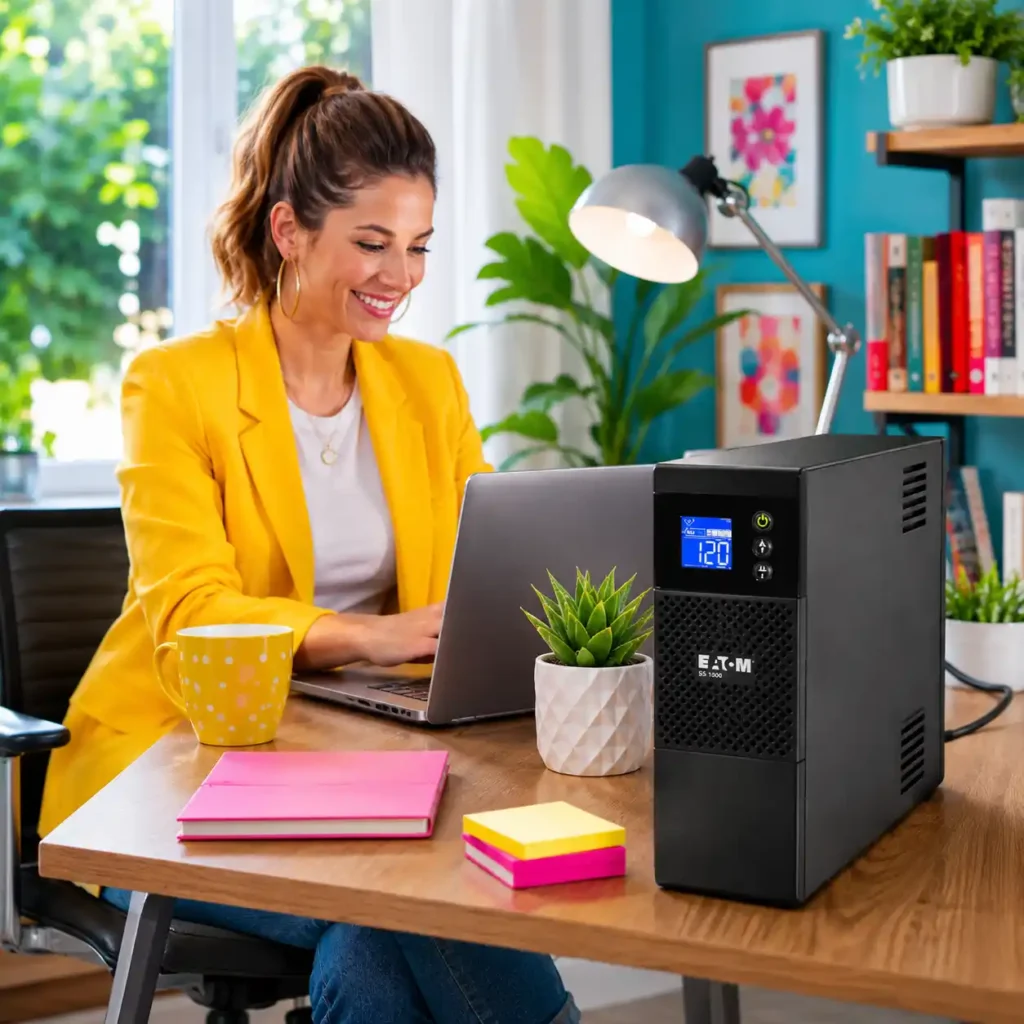
Eaton 5S1500LCD UPS Battery Backup
Best UPS Battery Backup System for Quiet Home Offices

Quick Verdict
The Eaton 5S1500LCD UPS Battery Backup earns our Best UPS Battery Backup System for Quiet Home Offices award because it prioritizes something that many UPS buyers overlook until after installation: acoustic comfort during everyday use.
A UPS that constantly hums, clicks aggressively, or runs its cooling fan unnecessarily can become surprisingly distracting when it sits a few feet away from your desk for eight or more hours every day. The Eaton 5S1500LCD is designed to provide reliable backup power and voltage regulation while maintaining a noticeably quieter operating profile than many performance-focused desktop UPS units.
This makes it particularly attractive for home offices, bedrooms, study areas, podcasting spaces, therapy offices, and other environments where concentration matters as much as electrical protection. The 1500VA platform provides enough capacity for a typical professional workspace—including a desktop or laptop docking setup, one or two monitors, networking equipment, external storage, and other essential electronics—without pushing the unit into constant high-load operation.
What ultimately sets the Eaton 5S1500LCD apart is its balanced approach to comfort and reliability. Instead of competing on gaming-oriented wattage numbers or enthusiast-style monitoring features, it focuses on delivering stable power protection, effective AVR performance, straightforward usability, and a more peaceful day-to-day workspace experience. For users who spend long hours working from home and want a UPS they can comfortably forget is there, this is one of the strongest options in the category.
Home Backup Snapshot
| Feature | Details |
|---|---|
| Best For | Quiet Home Offices • Study Rooms • Professional Workspaces |
| Capacity | 1500VA / 900W |
| Output Type | Simulated Sine Wave |
| Automatic Voltage Regulation | Yes |
| Display | LCD Status and Runtime Display |
| Battery-Backed Outlets | 8 |
| Ideal User | Remote workers, writers, consultants, students, and professionals who need dependable UPS protection with quiet everyday operation and minimal workspace distraction. |
Why We Chose It
Choosing the best UPS battery backup system for a quiet home office involves different priorities than choosing a UPS for gaming or high-performance workstation use. In these environments, users often spend entire workdays in close proximity to the UPS, so fan behavior, relay noise, heat management, and overall acoustic comfort become much more important than peak transient load handling.
The 5S1500LCD was the clear standout on this front, which is why it takes our Best for Quiet Home Offices award.
Its 1500VA / 900W capacity provides ample headroom for the kinds of loads commonly found in professional home workspaces: laptops with docking stations, desktop PCs used for productivity applications, dual-monitor setups, VoIP phones, routers, modems, external drives, and other office electronics. Because the unit is not typically pushed near its maximum capacity in these scenarios, it can operate more comfortably and quietly during normal use.
We also placed significant emphasis on Eaton’s power-management reputation. The company has long been recognized for building reliable power-protection equipment across both consumer and enterprise markets, and the 5S series benefits from that experience by delivering solid automatic voltage regulation, dependable battery switching behavior, and straightforward monitoring through its integrated LCD interface.
Another factor that influenced our decision was the overall workspace experience. The 5S1500LCD is easy to place under a desk, simple to configure, and unobtrusive during daily operation. For users whose primary concern is maintaining focus, video-call professionalism, and a comfortable working environment while still protecting valuable electronics from outages and voltage disturbances, the Eaton 5S1500LCD offers an unusually well-balanced solution.
Check the latest price and customer reviews on Amazon.
Living With It Every Day
The Eaton 5S1500LCD is designed for a very different kind of user than a gaming-focused UPS. Its biggest strength becomes obvious after a few days of real work: it does not constantly remind you that it is there.
Imagine a quiet morning in a home office where a consultant is on video calls, a writer is working on long documents, or a student is attending online classes. The desk is only a few feet away from the UPS, and the room is otherwise silent except for keyboard clicks and occasional conversation. In this environment, even small amounts of fan noise or frequent relay switching can become surprisingly noticeable over the course of an eight-hour workday.
The Eaton 5S1500LCD is particularly well suited to these situations because it maintains a calm acoustic profile during normal operation while still providing dependable protection against outages and voltage fluctuations. A brief brownout or power interruption does not turn the workspace into a noisy equipment room; the transition to battery power is handled smoothly enough that most users can continue working, finish a meeting, save documents, and shut down properly if necessary.
The LCD display adds practical value without overwhelming the user with unnecessary technical detail. Battery status, load level, runtime estimates, and input conditions are easy to check at a glance, which is especially helpful for users who want reassurance that their equipment is protected but do not want to spend time managing UPS software or advanced settings.
What makes daily ownership especially appealing is the combination of comfort and confidence. The 5S1500LCD protects laptops, desktops, monitors, routers, VoIP phones, and external drives reliably, yet it remains unobtrusive enough to fit naturally into bedrooms, study areas, therapy offices, creative studios, and other spaces where concentration is just as important as electrical protection.
Eaton 5S1500LCD Evaluation
| Evaluation Category | Editorial Assessment |
|---|---|
| Quiet Workspace Operation | Excellent acoustic behavior for home offices, study rooms, and other low-noise environments where constant UPS noise would be distracting. |
| Productivity Protection | Very effective for laptops, desktop PCs, monitors, routers, VoIP phones, and other professional productivity equipment. |
| Voltage Regulation | Reliable AVR performance handles common brownouts and voltage fluctuations without excessive battery switching. |
| Ease of Ownership | Simple setup, clear LCD monitoring, and compact under-desk placement make it easy to live with for non-technical users and professionals alike. |
| Long-Term Reliability | Eaton’s strong power-protection reputation and dependable daily operation make it a trustworthy long-term home office investment. |
| Overall Rating | Our strongest recommendation for professionals who prioritize quiet operation, focus, and dependable everyday UPS protection in a home office environment. |
Who Should Buy This
- Remote workers who spend long hours in a quiet home office
- Writers, consultants, therapists, and other professionals who value low-noise operation
- Students attending online classes or studying in shared living spaces
- Users protecting laptops, desktop PCs, monitors, routers, and office electronics
- Anyone who wants dependable UPS protection without the distraction of a noisy power device
Who Should Skip This
- Gamers running high-end active PFC desktop systems that benefit from pure sine wave output
- Content creators with very demanding GPU-based workloads
- Users who need advanced enthusiast-style power monitoring features
- Enterprise or server environments that require rack-mounted or online UPS hardware
Final Verdict
The Eaton 5S1500LCD UPS Battery Backup stands out because it focuses on a priority that is often ignored in UPS buying guides: creating a comfortable, distraction-free workspace while still delivering reliable power protection.
It may not be the most powerful or feature-rich UPS in this roundup, but it offers an excellent combination of quiet operation, dependable AVR performance, practical 1500VA/900W capacity, clear LCD monitoring, and Eaton’s well-established power-protection expertise. For many remote workers and professionals, those qualities matter far more than gaming-oriented wattage numbers or advanced enthusiast features.
If your primary goal is to protect a home office, study area, or other quiet workspace while maintaining focus, comfort, and professional reliability during outages and voltage disturbances, the Eaton 5S1500LCD is our Best UPS Battery Backup System for Quiet Home Offices recommendation.
Check the latest price and customer reviews on Amazon.
Related Guide: If you want a backup solution that can be used beyond a fixed desk setup, our Best Portable Power Stations for Home Backup (2026) guide compares battery-powered systems designed to keep essential household electronics running during outages.
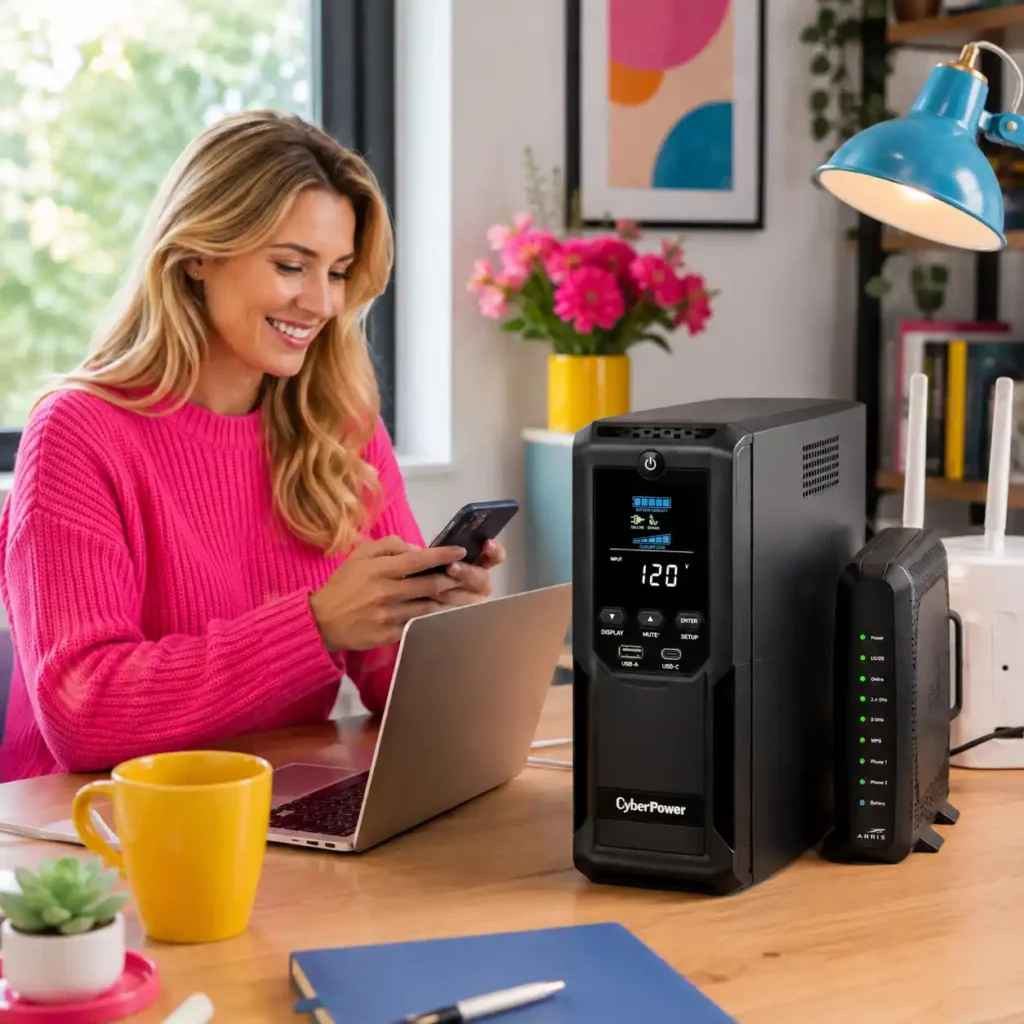
CyberPower CP1350AVRLCD3 Intelligent LCD UPS
Best UPS Battery Backup System for Routers, Modems, and Home Networking Equipment

Quick Verdict
The CyberPower CP1350AVRLCD3 Intelligent LCD UPS earns our Best UPS Battery Backup System for Routers, Modems, and Home Networking Equipment award because it is designed around a problem that has become increasingly important in modern homes: keeping internet connectivity and smart-home infrastructure running when the power goes out.
For many households, losing electricity for a few minutes is inconvenient, but losing Wi-Fi, video calls, cloud access, security cameras, smart locks, and connected home devices can be far more disruptive. The CP1350AVRLCD3 provides an excellent balance of backup runtime, automatic voltage regulation, outlet flexibility, and easy-to-read power monitoring, making it particularly well suited for networking-focused backup applications.
Unlike larger UPS units that are optimized primarily for gaming PCs or heavy workstation loads, this model focuses on efficient protection for always-on electronics. A cable modem, mesh Wi-Fi router, Ethernet switch, NAS device, smart-home hub, and security camera recorder typically consume relatively modest amounts of power, which allows the CP1350AVRLCD3 to provide meaningfully longer runtime than many users expect during real-world outages.
What ultimately makes this model stand out is its practicality for connected households. It combines 1350VA / 815W capacity, AVR protection, multiple battery-backed outlets, USB charging support, and CyberPower’s Intelligent LCD monitoring system in a compact and affordable package. For homeowners who want to maintain internet access, protect networking equipment, and keep essential connected devices operational during storms, utility interruptions, or neighborhood outages, the CP1350AVRLCD3 is one of the smartest networking-focused UPS choices available today.
Home Backup Snapshot
| Feature | Details |
|---|---|
| Best For | Routers • Modems • Mesh Wi-Fi • NAS Devices • Smart Home Equipment |
| Capacity | 1350VA / 815W |
| Output Type | Simulated Sine Wave |
| Automatic Voltage Regulation | Yes |
| Display | Intelligent LCD Power Monitoring Display |
| Battery-Backed Outlets | 6 |
| Ideal User | Homeowners, remote workers, and smart-home users who want reliable backup power for internet equipment, networking devices, NAS systems, and other always-on connected electronics. |
Why We Chose It
Choosing the best UPS battery backup system for home networking equipment requires a different set of priorities than choosing a UPS for a desktop workstation. In this category, the goal is not maximizing gaming performance or supporting large transient loads—it is maintaining connectivity, protecting network infrastructure, and ensuring that critical connected devices remain available during power disturbances.
That focus on connectivity is exactly what earns the CP1350AVRLCD3 our award for Routers, Modems, and Home Networking Equipment.
Its 1350VA / 815W capacity is an excellent match for the relatively low but continuous power requirements of cable modems, fiber ONTs, mesh Wi-Fi systems, Ethernet switches, NAS enclosures, smart-home controllers, and security camera hubs. Because these devices typically draw only a fraction of the UPS’s available power, the CP1350AVRLCD3 can often deliver substantially longer runtime than a similarly sized UPS supporting a desktop computer.
We also placed significant emphasis on automatic voltage regulation. Networking hardware is frequently exposed to minor brownouts, voltage dips, and brief power fluctuations that may not be severe enough to cause a full outage but can still lead to modem reboots, router instability, or interrupted network services. The CP1350AVRLCD3’s AVR system helps stabilize these conditions without unnecessarily switching to battery power, which improves both battery longevity and overall network reliability.
Another factor that influenced our decision was the unit’s connectivity-focused feature set. The Intelligent LCD display provides clear visibility into load levels, input voltage, battery status, and runtime estimates, making it easy for homeowners to verify that their network infrastructure is properly protected. Combined with its compact footprint, practical outlet configuration, and strong price-to-performance ratio, the CP1350AVRLCD3 offers one of the most compelling solutions for keeping a modern connected home online during unexpected outages.
Check the latest price and customer reviews on Amazon.
Living With It Every Day
The CyberPower CP1350AVRLCD3 is built for the kind of equipment that most people never think about until it suddenly stops working. A desktop computer can often be shut down and restarted without much inconvenience, but a modem, mesh Wi-Fi router, NAS server, or smart-home hub is expected to remain available all the time.
Imagine a typical evening during a summer thunderstorm. The neighborhood loses power unexpectedly, the lights go out, and televisions shut down, but the internet connection remains active because the modem, router, and network switch are connected to the CP1350AVRLCD3. Wi-Fi continues working, phones stay connected, smart-home automations remain online, and security cameras continue recording instead of going dark during the outage.
This is where the model feels fundamentally different from a workstation-oriented UPS. Because networking equipment usually draws far less power than a gaming PC or desktop workstation, the available battery capacity lasts much longer in real-world use. A modest networking stack consisting of a fiber ONT or cable modem, a mesh router, a small Ethernet switch, a NAS enclosure, and a smart-home controller can often remain operational for a surprisingly long period during short and medium-length outages.
The Intelligent LCD display is particularly useful for this type of setup because it allows you to check input voltage, battery charge level, current load, and estimated runtime without opening software or connecting a monitor to the UPS. For homeowners who manage their network remotely, run a media server, rely on Wi-Fi calling, or work from home, that visibility provides reassurance that the most important connected devices are still protected and operational.
CyberPower CP1350AVRLCD3 Evaluation
| Evaluation Category | Editorial Assessment |
|---|---|
| Networking Equipment Protection | Excellent for routers, modems, mesh Wi-Fi systems, Ethernet switches, and other always-on networking hardware. |
| Runtime Efficiency | Very efficient for low-power network loads, often providing significantly longer practical runtime than desktop-focused UPS setups. |
| Voltage Regulation | Strong AVR performance helps prevent modem and router reboots caused by brownouts and unstable household voltage conditions. |
| Monitoring and Usability | The Intelligent LCD interface provides clear, useful information about load, battery status, voltage, and remaining runtime without requiring additional software. |
| Long-Term Value | Excellent balance of networking-focused protection, compact design, AVR functionality, and overall affordability for connected-home environments. |
| Overall Rating | Our strongest recommendation for keeping home networking equipment, NAS devices, and smart-home infrastructure online during power outages and voltage disturbances. |
Who Should Buy This
- Homeowners using mesh Wi-Fi systems and broadband modems
- Remote workers who need internet connectivity to survive power outages
- NAS users protecting file storage, backups, and media servers
- Smart-home enthusiasts running security cameras, hubs, and automation controllers
- Anyone looking for a compact UPS optimized for always-on networking equipment
Who Should Skip This
- Users with high-end gaming PCs or powerful workstation desktops
- Buyers who need pure sine wave output for demanding active PFC power supplies
- Small business server rooms requiring rack-mounted or enterprise UPS hardware
- Users whose primary goal is maximum runtime for a full desktop workstation
Final Verdict
The CyberPower CP1350AVRLCD3 Intelligent LCD UPS stands out because it focuses on one of the most practical backup-power needs in modern homes: keeping the network alive when everything else loses power.
Rather than competing on gaming performance or premium workstation features, it delivers an excellent combination of AVR protection, useful LCD monitoring, compact design, efficient runtime for low-power devices, and strong support for routers, modems, NAS systems, and smart-home infrastructure. In many connected households, maintaining Wi-Fi, cloud access, security monitoring, and remote-work connectivity is far more valuable than keeping a nonessential desktop computer running for a few extra minutes.
If your priority is protecting internet connectivity, networking equipment, NAS storage, and smart-home devices during outages and voltage disturbances, the CyberPower CP1350AVRLCD3 Intelligent LCD UPS is our Best UPS Battery Backup System for Routers, Modems, and Home Networking Equipment recommendation.
Check the latest price and customer reviews on Amazon.
Related Guide: If you want to understand how much backup capacity your connected devices actually require, our How to Calculate Power Consumption (Complete Guide + Free Calculator) guide can help you estimate the electrical load of routers, modems, NAS devices, and other essential networking equipment.
How to Choose the Best UPS Battery Backup System
Choosing the best UPS battery backup system isn’t simply about buying the model with the highest VA rating or the longest advertised runtime. The right UPS depends on the equipment you need to protect, how sensitive it is to power interruptions, and how long you need enough power to save your work and shut down safely.
Many first-time buyers assume that a larger UPS automatically provides better protection. In reality, an oversized unit often costs more, takes up additional space, and may never use its full capacity in a typical home office or networking setup. On the other hand, choosing a UPS that’s too small can leave critical devices unprotected or provide only a few minutes of backup time when you need it most.
The goal is to choose a UPS that matches the way you actually use your electronics. Whether you’re protecting a gaming PC, a home office workstation, a NAS server, or simply keeping your internet connection alive during outages, understanding a few key specifications will help you make a much smarter long-term purchase.
The sections below explain the most important factors to evaluate before choosing your first—or next—UPS battery backup system. Each recommendation is based on practical real-world use rather than marketing specifications alone.
One principle applies to almost every buyer: don’t buy the biggest UPS—buy the UPS that fits your equipment’s real power requirements. A well-matched UPS delivers better value, longer battery life, quieter operation, and more dependable protection for the devices you rely on every day.
Start With the Devices You Actually Need to Protect
The first question isn’t “Which UPS has the highest capacity?” It’s “What equipment must stay powered long enough to save data and shut down safely?”
Different types of electronics have very different backup-power requirements.
A desktop gaming PC with multiple monitors draws far more power than a Wi-Fi router and modem. A NAS server needs enough runtime to complete disk operations and shut down cleanly, while a laptop may only require a few extra minutes to avoid losing unsaved work.
That’s why identifying your critical devices is the most important step before comparing VA ratings or battery capacity. A UPS that closely matches your real-world load will usually provide better runtime and better long-term value than simply choosing the largest model available.
Before comparing specifications, make a short list of the devices you consider essential during a power outage:
- Desktop PC or workstation
- Gaming PC
- Monitor or dual-monitor setup
- Router and modem
- NAS or external storage
- Smart-home hub or security equipment
- VoIP phone or networking switch
That simple exercise will make every other UPS buying decision significantly easier.
UPS for a Single Device vs. Multiple Devices
One of the biggest decisions buyers face isn’t choosing a specific UPS model—it’s deciding how many devices they want the UPS to support during an outage.
For some users, protecting a single desktop PC is enough. Others need a UPS that can keep an entire home office or networking stack running simultaneously.
Neither approach is universally better.
The right choice depends on your equipment, your workflow, and how disruptive a power interruption would be for your household.
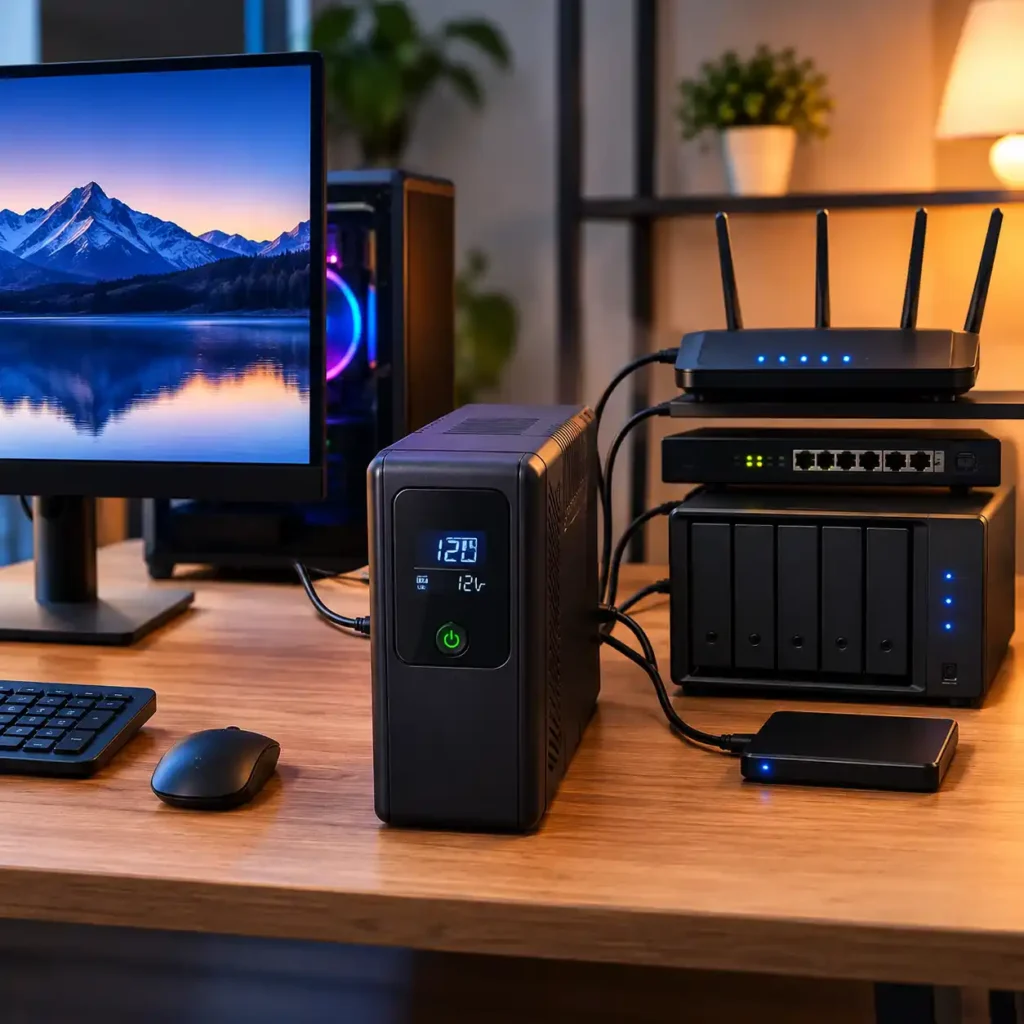
Single-device protection focuses on powering one primary device, such as a gaming PC, desktop workstation, or NAS server. This usually provides longer runtime for that device and allows you to choose a more compact and affordable UPS.
Multi-device protection is designed for users who want to keep several connected devices operating together. A typical setup might include a PC, monitor, router, modem, external storage, and a small network switch. The convenience is much higher, but the UPS must support the combined power draw of all connected equipment.
For many home users, the best solution is somewhere in the middle: protect the devices that are most difficult to restart, most important for productivity, or most likely to suffer data loss during an abrupt shutdown.
Instead of asking whether you need the largest UPS available, start by deciding which devices absolutely need battery backup and which only need surge protection. That answer will guide nearly every other purchasing decision.
Understanding VA vs. Watts
UPS specifications can be confusing because manufacturers usually advertise both VA (volt-amps) and watts. Understanding the difference is one of the most important steps when choosing the right UPS battery backup system.
- VA represents the UPS’s total apparent power capacity.
- Watts represent the amount of real usable power the UPS can continuously deliver to your equipment.
For practical buying decisions, watts are usually the more important number.
A UPS rated at 1500VA / 900W can safely provide up to 900 watts of continuous power, even though the larger 1500VA number is often displayed more prominently on the product page.
This is why two UPS units with similar VA ratings may support very different workloads. A gaming PC with a powerful GPU, multiple monitors, and external peripherals may approach the watt limit much faster than a basic office desktop or networking setup.
When estimating your needs:
- Gaming PC + monitor: 400–700W
- Desktop office PC + monitor: 150–350W
- Router + modem + mesh Wi-Fi: 20–60W
- NAS + networking equipment: 40–150W
Add the power requirements of the devices you expect to run at the same time, then choose a UPS that provides comfortable headroom rather than operating constantly near its maximum wattage limit.
Pure Sine Wave vs. Simulated Sine Wave
Not all UPS systems produce the same type of electrical output when running on battery power.
Pure sine wave UPS units generate electricity that closely matches the power supplied by the utility grid. They are generally recommended for:
- Modern gaming PCs
- Workstations with active PFC power supplies
- High-end desktop systems
- Sensitive professional electronics
Simulated sine wave UPS units produce a stepped approximation of utility power. They are often less expensive and work perfectly well for many common devices, including:
- Routers and modems
- Basic desktop computers
- Monitors
- Printers
- NAS devices with compatible power supplies
- Smart-home equipment
For many home office and networking setups, a simulated sine wave UPS provides excellent protection at a lower cost. However, if you’re investing in a high-performance gaming PC or professional workstation, a pure sine wave model is usually the safer long-term cho
Runtime Matters More Than Most Buyers Think
Capacity determines how much power a UPS can deliver. Runtime determines how long you have to react when the power fails.
Many buyers focus entirely on VA ratings and forget that the real purpose of a UPS is usually not to run your equipment for hours. In most cases, the goal is to provide enough time to:
- Save open files
- Finish a video call
- Allow a NAS to shut down cleanly
- Prevent corruption of active workloads
- Keep internet connectivity available during short outages
For example:
- A gaming PC under heavy load may receive only 5–10 minutes of runtime from a 1500VA UPS.
- A home office PC may receive 15–30 minutes.
- A router and modem setup may continue running for several hours because the power draw is so low.
That’s why runtime should always be evaluated together with the actual devices you plan to connect, not in isolation.
Automatic Voltage Regulation (AVR)
Power problems are not limited to complete outages.
In many homes, brownouts, voltage dips, and temporary over-voltage conditions occur far more frequently than full blackouts. These fluctuations can cause:
- Computer instability
- Router reboots
- NAS disconnections
- Unexpected shutdowns
- Increased wear on sensitive electronics
A UPS with Automatic Voltage Regulation (AVR) can correct many of these voltage problems without switching to battery power. This provides two important benefits:
- Better protection for connected equipment
- Longer battery life, because the UPS is not constantly discharging and recharging during minor power fluctuations
For home offices, networking equipment, and always-on electronics, AVR is one of the most valuable features you can have.
Features You Can Ignore
UPS marketing pages often include long lists of features that sound impressive but have little impact on real-world home use.
For most buyers, you can safely place less emphasis on:
- Extremely high peak VA numbers
- Decorative RGB lighting
- Advanced enterprise-style network management features
- Dozens of configurable alarm options
- Excessive outlet counts that you’ll never use
- Oversized capacity far beyond your actual load requirements
Instead, focus on the features that directly affect reliability:
- Adequate wattage headroom
- Appropriate runtime
- AVR support
- Pure sine wave output if required
- Clear battery and load monitoring
- Replaceable batteries
- A manufacturer with a strong reliability reputation
The best UPS battery backup system isn’t the one with the longest specification sheet—it’s the one that reliably protects your equipment when the power fails.
Common UPS Buying Mistakes

Almost everyone who buys a UPS battery backup system wants the same outcome: their important devices should stay protected when the power becomes unstable or fails completely. Surprisingly, most disappointing purchases aren’t caused by choosing a low-quality UPS—they happen because the UPS doesn’t match the equipment it is expected to support.
One of the most common mistakes is choosing a UPS based only on the VA rating printed on the box. Many buyers assume that a larger VA number automatically means better protection, but the watt rating is often the more important specification. A UPS may have enough apparent power capacity while still lacking the continuous wattage required by a gaming PC, workstation, or multi-device setup.
Another frequent mistake is connecting too many devices to the battery-backed outlets. Users often plug in printers, speakers, chargers, desk lamps, and other nonessential electronics, which reduces available runtime for the equipment that actually needs protection during an outage.
Many buyers also underestimate the importance of runtime planning. A NAS server, external storage array, or networking setup may require enough battery time to complete disk operations and shut down safely. Choosing a UPS that provides only a few minutes of backup power can increase the risk of corrupted data or interrupted network services.
Poor placement is another overlooked issue. Installing a UPS inside a tightly enclosed cabinet or poorly ventilated space can increase operating temperatures and shorten battery lifespan significantly. UPS batteries generally last longer when the unit has adequate airflow and is kept away from excessive heat.
Finally, some homeowners assume that every outlet on a UPS provides battery backup. In reality, many consumer UPS models include a combination of battery-backed outlets and surge-protection-only outlets, so it is important to connect critical devices to the correct sockets during installation.
The best purchasing decisions begin with understanding which devices truly need backup power, how much power they consume, and how long they must remain operational during an outage. A correctly matched UPS is usually quieter, more efficient, provides longer battery life, and delivers more dependable protection than a system chosen solely by the largest number on the specification sheet
Quick Buyer Checklist
Before making your final decision, take a moment to verify that the UPS battery backup system you’re considering matches your actual protection needs—not just the largest specifications on the product page.
A good UPS should answer “yes” to most of the questions below:
- Can it support the combined wattage of the devices you need to protect?
- Does it provide enough runtime to save your work and shut down equipment safely?
- Is the output type (pure sine wave or simulated sine wave) appropriate for your hardware
- Does it include Automatic Voltage Regulation (AVR) to handle brownouts and voltage fluctuations?
- Are there enough battery-backed outlets for your critical devices?
- Will it fit comfortably in your desk, home office, or networking space with adequate ventilation?
- Does it support USB monitoring or shutdown software if you’re protecting a PC or NAS system
- Does the manufacturer offer replacement batteries, warranty coverage, and long-term product support?
If you’re unsure about any of these questions, choosing a UPS with slightly more wattage headroom and better expansion flexibility is usually a smarter long-term investment than simply purchasing the cheapest model available.
A properly matched UPS is often quieter, more efficient, provides longer battery life, and delivers more dependable protection than a system chosen solely by the largest VA number on the box.
Matching a UPS to Your Setup
There isn’t a single UPS battery backup system that’s perfect for every user. The best choice depends on the equipment you need to protect, how sensitive that equipment is to power interruptions, how long outages typically last in your area, and whether your setup is likely to change over time.
If your primary goal is protecting a handful of essential networking devices—such as a modem, router, mesh Wi-Fi system, and smart-home hub—a compact UPS with moderate capacity may provide everything you need while keeping costs, heat output, and noise levels under control.
Home office users often benefit from a slightly larger UPS that can support a desktop or laptop docking station, monitor, networking equipment, and external storage simultaneously. This provides enough runtime to save work, finish video calls, and shut down equipment safely without rushing during an unexpected outage.
Gamers and workstation users usually require a different approach. Modern systems with active PFC power supplies, dedicated graphics cards, multiple monitors, and higher peak power demands generally benefit from a UPS with greater wattage headroom and, in many cases, pure sine wave output for maximum compatibility and stability.
For users running NAS devices, media servers, security cameras, or home lab equipment, efficient low-load runtime and stable voltage regulation are often more important than maximum VA numbers. These systems may consume relatively little power, but they benefit greatly from reliable AVR protection and enough battery time to complete graceful shutdown procedures.
It’s also worth thinking beyond your current equipment. A second monitor, upgraded GPU, additional networking hardware, external drives, or a dedicated home office can increase your power requirements over time. Choosing a UPS with reasonable headroom can often extend the useful life of your investment and reduce the likelihood of needing an upgrade sooner than expected.
Ultimately, the best UPS battery backup system is the one that fits naturally into the way you actually use your electronics. When your UPS matches your real-world workload, it becomes a dependable part of everyday productivity and preparedness rather than simply another piece of emergency equipment.
Our Expert Buying Tips
After evaluating today’s leading UPS battery backup systems, one recommendation stands out above all others: buy for the equipment you use every day while leaving room for the setup you may have a year or two from now.
That single decision has a surprisingly large impact on long-term satisfaction, battery lifespan, upgrade flexibility, and overall value.
It’s easy to assume that purchasing the largest UPS available is the safest choice. In reality, many users achieve better results by selecting a UPS that is properly sized for their critical devices while maintaining reasonable wattage headroom. This approach usually provides a better balance between cost, runtime, efficiency, and day-to-day usability.
Whenever possible, choose a UPS that includes Automatic Voltage Regulation (AVR). In many homes, voltage dips and brownouts occur more frequently than complete outages, and AVR helps protect sensitive electronics without constantly switching to battery power. That reduces battery wear and improves long-term reliability.
If you’re protecting a modern gaming PC or professional workstation, prioritize pure sine wave output. Active PFC power supplies are increasingly common in higher-end systems, and a pure sine wave UPS provides the best compatibility and the most stable operation during battery events.
For home office, networking, and NAS setups, focus on runtime efficiency rather than maximum VA numbers. A modestly sized UPS supporting low-power devices can often keep internet connectivity, storage systems, and communication equipment running for much longer than buyers expect.
It’s also worth considering future changes to your setup. Additional monitors, upgraded graphics hardware, external storage devices, mesh Wi-Fi nodes, or a dedicated home office can increase your power requirements over time. Choosing a UPS with 20–30% spare capacity is often a smarter long-term investment than buying a unit that will operate near its maximum load from the first day.
Finally, remember that the best UPS battery backup system isn’t defined by the biggest VA rating, the longest specification sheet, or the most advanced marketing features. It’s the UPS that quietly protects your work, your data, your internet connection, and your productivity every time the power becomes unstable.
Choose a system that fits your real workload, future plans, and reliability expectations, and you’ll have a backup power solution that continues delivering value long after the excitement of the initial purchase has faded.
UPS Battery Backup Runtime Examples

Understanding UPS capacity becomes much easier when you translate VA ratings and battery capacity into real-world situations. While manufacturer runtime charts provide useful technical data, most buyers simply want to know how long a UPS can realistically keep their equipment running during a power outage.
The examples below illustrate how a typical 1500VA / 900W UPS battery backup system may perform under common home office, gaming, and networking conditions. Actual runtime depends on battery age, connected load, power supply efficiency, ambient temperature, and whether the equipment is operating under light or heavy use. These estimates are intended as practical planning examples rather than exact measurements.
Instead of focusing only on the advertised VA number, think about the combination of devices you expect to keep powered during an outage. A gaming PC with dual monitors places a very different demand on a UPS than a modem, router, and NAS server running at low power.
The table below provides realistic examples to help estimate your UPS battery backup requirements before choosing a system.
| Device or Setup | Typical Power Draw | Estimated Runtime* | Why It Matters During an Outage |
|---|---|---|---|
| Wi-Fi Router + Modem | 20–40W | 3–6 Hours | Maintains internet access for communication, remote work, and smart-home devices. |
| NAS + Router + Switch | 50–100W | 1.5–3 Hours | Allows storage systems to complete disk operations and shut down safely. |
| Laptop + Monitor + Router | 80–150W | 45–90 Minutes | Provides enough time to finish video calls, save work, and shut down properly. |
| Desktop Office PC + Monitor | 150–250W | 20–45 Minutes | Protects active documents, cloud-sync operations, and business workflows from abrupt interruption. |
| Gaming PC + 1 Monitor | 350–500W | 8–18 Minutes | Provides enough time to save progress, exit games safely, and avoid sudden shutdowns under moderate load. |
| Gaming PC + 2 Monitors + Accessories | 500–700W | 5–12 Minutes | Helps prevent data corruption and hardware stress during high-power gaming or streaming sessions. |
*Estimated runtimes are based on a typical 1500VA / 900W line-interactive UPS battery backup system under average operating conditions. Actual results vary depending on battery condition, inverter efficiency, startup loads, and environmental factors.
Quick Runtime Planning Tips
Runtime estimates are useful for comparison, but actual UPS performance always depends on how your equipment is being used when the outage occurs.
To maximize available backup time:
- Prioritize critical devices instead of connecting every nearby electronic device.
- Keep routers, modems, and networking equipment on battery-backed outlets.
- Shut down gaming PCs and workstations as soon as practical during longer outages.
- Disable unnecessary peripherals such as printers, speakers, RGB lighting, and charging accessories.
- Leave at least 20–30% wattage headroom so the UPS is not operating continuously near its maximum capacity.
- Replace aging UPS batteries when runtime becomes noticeably shorter than expected.
A well-managed UPS setup often provides significantly longer practical runtime than buyers expect—not because the UPS has a larger VA rating, but because power is used more efficiently and only the devices that truly matter remain connected during an outage.
Common Devices You Can Protect With a UPS
One of the first questions buyers ask after choosing a UPS battery backup system is simple: “What can it actually protect?” While VA ratings and wattage specifications provide useful technical information, most users want practical answers based on the devices they rely on every day.
Modern UPS systems can do far more than keep a computer running for a few extra minutes. Depending on their capacity and output type, they can protect everything from desktop PCs and gaming systems to routers, NAS servers, home office equipment, and smart-home devices.
Understanding the power requirements of your equipment is one of the easiest ways to choose the right UPS. Rather than comparing VA ratings alone, it’s much more useful to think about the devices that would cause the greatest disruption if they suddenly lost power.
The sections below highlight some of the most common devices homeowners and remote workers prioritize during outages and explain why they should be considered when selecting a UPS battery backup system.
Desktop PCs and Workstations
For many users, a desktop PC or workstation is the primary reason for buying a UPS. Unlike laptops, desktop systems usually shut down immediately when utility power fails, which can lead to lost work, interrupted software processes, corrupted files, and unnecessary hardware stress.
A UPS provides enough runtime to save active documents, close applications properly, and shut down the operating system safely. This is especially important for users working with large spreadsheets, creative applications, software development tools, video editing projects, or virtual machines that may be vulnerable to abrupt power loss.
Professional workstations often draw more power than standard office computers, particularly when they include dedicated graphics cards, multiple storage drives, and several monitors. In these situations, both wattage capacity and output quality become important considerations.
When protecting a workstation, focus on:
- Continuous wattage capacity
- Pure sine wave compatibility for active PFC power supplies
- AVR protection against voltage fluctuations
- Enough runtime for a controlled shutdown rather than extended operation
A properly matched UPS can turn a sudden blackout from a potentially expensive interruption into a manageable inconvenience that gives you time to protect your work and your hardware.
Routers, Modems, and Mesh Wi‑Fi Systems
For many modern households, maintaining internet connectivity during a power outage is almost as important as keeping the lights on. Remote work, video calls, cloud storage, smart-home automation, and security systems all depend on a functioning network.
The good news is that networking equipment typically uses very little power. A cable modem, fiber ONT, mesh Wi‑Fi router, and small Ethernet switch often consume less than 50 watts combined, which means even a modest UPS can keep them running for several hours during an outage.
This is one of the most efficient uses of a UPS battery backup system. While a gaming PC may drain a UPS battery relatively quickly, networking equipment can continue operating for a surprisingly long time because of its low continuous power draw.
A UPS is particularly valuable for:
- Cable and fiber internet equipment
- Mesh Wi‑Fi systems
- Ethernet switches
- Smart-home hubs
- Security camera network equipment
- VoIP phones and communication devices
When protecting networking hardware, AVR support is especially useful because brief voltage dips and brownouts can cause routers and modems to reboot even when the outage lasts only a few seconds. Preventing those unnecessary restarts helps maintain stable internet access and reduces interruptions to connected devices throughout the home.
For households that rely on remote work, online learning, smart-home automation, or security monitoring, a UPS dedicated to networking equipment is often one of the highest-value backup power investments you can make.
NAS Devices and Home Servers
For users who store important files, media libraries, backups, or surveillance footage, a NAS (Network Attached Storage) device is often one of the most critical pieces of equipment in the home.
Typical home NAS setups usually include:
- A 2-bay or 4-bay NAS enclosure
- One or more Ethernet switches
- A router or mesh Wi-Fi system
- External backup drives
- Media streaming or home server applications
Because these devices generally consume far less power than a gaming PC, they can often remain operational for one to several hours on a mid-range UPS, depending on the number of drives installed and the workload running at the time of the outage.
When choosing a UPS for a NAS or home server, prioritize:
- Reliable AVR protection
- USB communication support for automatic shutdown
- Sufficient runtime for disk operations and backup completion
- Adequate wattage headroom for drive startup and expansion
- A UPS from a manufacturer with widely supported NAS compatibility
For photographers, video editors, remote workers, and anyone who keeps irreplaceable personal or business data on a NAS, a UPS is not just a convenience—it is an essential layer of data protection and system reliability.
Home Office Equipment
A home office often contains several devices that don’t use a huge amount of power individually but become much more important when they stop working unexpectedly. A brief outage in the middle of a video meeting, cloud synchronization, or financial transaction can be far more disruptive than many people expect.
Typical home office equipment may include:
- A desktop PC or laptop docking station
- One or two monitors
- A Wi-Fi router or mesh node
- An external SSD or backup drive
- A VoIP phone or USB conference speaker
- A printer or scanner connected for occasional use
A UPS allows you to keep the core productivity devices running long enough to finish a meeting, save documents, upload changes to cloud storage, and shut down equipment properly instead of losing unsaved work.
For home office use, the most important UPS features are:
- Automatic Voltage Regulation (AVR) for stable operation during brownouts
- Quiet day-to-day operation in a workspace environment
- LCD monitoring so you can quickly check battery and load status
- Enough runtime for 15–30 minutes of productive work or a controlled shutdown
One practical advantage of a UPS in a home office is that it also protects against brief power flickers that may not be long enough to darken the entire house but are still capable of rebooting a computer or interrupting a network connection.
For remote workers, freelancers, consultants, and small business owners, a UPS is often less about emergency preparedness and more about maintaining professional continuity. Preventing even a single lost client call, corrupted project file, or interrupted presentation can easily justify the investment in a reliable backup power system.
Smart Home Devices and Security Systems
Modern homes increasingly rely on smart-home devices and connected security equipment that are expected to remain available even when the rest of the house loses power. A power interruption that lasts only a few minutes can disable security cameras, smart locks, motion sensors, alarm hubs, and automation controllers, reducing both convenience and security coverage.
Common devices that benefit from UPS protection include:
- Smart-home hubs and automation controllers
- Wi-Fi security cameras
- NVR or DVR recording systems
- Smart locks and doorbell cameras
- Motion sensors and alarm panels
- Network switches that connect security equipment
Because most of these devices consume relatively little power, they are excellent candidates for extended UPS runtime. A small networking and security stack may continue operating for several hours on a mid-range UPS, especially when only the essential devices are connected to the battery-backed outlets.
The biggest advantage is continuity. Security cameras can continue recording, smart locks remain connected, automation routines stay active, and remote monitoring apps remain accessible through the internet connection if the modem and router are also protected by the UPS.
For smart-home and security applications, prioritize:
- Reliable AVR protection to prevent unnecessary device reboots
- Enough battery-backed outlets for both networking and security equipment
- Low-noise operation for placement in living areas
- Good compatibility with always-on electronics that operate continuously throughout the day
For homeowners who have invested in home automation, security cameras, and remote monitoring systems, a UPS helps ensure that the most important connected devices continue functioning when they are needed most, turning a basic backup power purchase into an additional layer of home security and operational resilience.
UPS vs. Portable Power Station: Which Backup Solution Do You Need?

A UPS and a portable power station can both provide backup electricity during a power outage, but they are designed for very different jobs. Choosing between them depends primarily on whether your priority is automatic protection for sensitive electronics or longer-duration portable power.
A UPS battery backup system is designed to remain connected to your equipment continuously. When utility power fails, the UPS switches to battery power automatically, giving computers, networking equipment, NAS devices, and other electronics enough time to continue operating or shut down safely. Many UPS systems also provide Automatic Voltage Regulation (AVR) and surge protection, making them particularly useful for equipment that needs continuous electrical protection.
A portable power station is better suited to situations where you need a larger amount of stored energy for a longer period. Portable power stations can often power a wider range of devices and may support substantially longer runtime, especially when paired with solar panels. However, they are generally not a direct replacement for a UPS when automatic transfer and continuous protection for a desktop PC, NAS, or networking system are the primary requirements.
For a home office, gaming PC, NAS, router, or modem, a UPS is usually the more appropriate solution because it is designed to remain connected and respond automatically when the power fails.
For camping, travel, emergency power outside the home, or situations where you need to operate appliances and electronics for many hours, a portable power station may be the better choice.
The simplest way to think about the difference is this: a UPS is primarily designed to protect and bridge your equipment through a power interruption, while a portable power station is primarily designed to provide stored electricity for longer-duration use.
If your main concern is protecting a computer, maintaining internet connectivity, preventing NAS data corruption, or allowing equipment to shut down safely, choose a UPS. If your priority is portable energy capacity and extended operation away from the electrical grid, a portable power station is usually the better fit.
Frequently Asked Questions
What is the best UPS battery backup for a home office?
For most home office users, the APC BR1500MS2 Back-UPS Pro 1500VA is our Best Overall choice because it combines pure sine wave output, AVR, useful runtime, modern connectivity, and strong long-term usability.
It is particularly well suited to a desktop computer, one or more monitors, networking equipment, external storage, and other essential office electronics. Users with more specialized requirements may be better served by another model in our lineup, such as the CyberPower CP1500PFCLCD for a high-performance PC or the CyberPower CP1350AVRLCD3 for NAS and networking equipment.
What is the best UPS for a gaming PC?
The CyberPower CP1500PFCLCD is our top choice for gaming PCs because it combines a 1000W output capacity with pure sine wave output, AVR, and detailed LCD monitoring.
Its higher usable wattage provides additional headroom for gaming systems with powerful GPUs, multiple monitors, streaming equipment, and other accessories. Pure sine wave output also makes it a strong match for modern active PFC power supplies
Do I need a pure sine wave UPS for my gaming PC?
A pure sine wave UPS is generally the preferred option for a modern gaming PC, particularly when the system uses an active PFC power supply.
Pure sine wave output provides a waveform closer to utility power when the UPS is operating from battery. This can improve compatibility with modern PC power supplies and reduce the possibility of instability during battery operation.
For basic office computers, a simulated sine wave UPS may be sufficient, but buyers with high-performance gaming or workstation systems have a stronger reason to prioritize pure sine wave output.
What is the best UPS for a NAS?
The CyberPower CP1350AVRLCD3 is our preferred choice for NAS and networking applications because it combines AVR, LCD monitoring, useful capacity, and efficient operation with lower-power always-on equipment.
A NAS connected to a UPS can also use compatible USB communication to initiate a controlled shutdown when battery power becomes low. This is particularly important for protecting stored data from an abrupt loss of power.
Can a UPS keep a NAS running during a power outage?
Yes. A correctly sized UPS can keep a NAS operating during a power outage and provide enough runtime for the system to continue operating temporarily or shut down safely.
For NAS use, the goal is usually not to keep the server running for many hours. Instead, the UPS should provide enough time to handle a short outage and, when supported, communicate with the NAS so it can perform an automatic controlled shutdown.
What is the best UPS for a router and modem?
For a dedicated home networking setup, the CyberPower CP1350AVRLCD3 is our top recommendation.
Routers, modems, fiber ONTs, Ethernet switches, and mesh Wi-Fi equipment typically consume much less power than desktop computers. Because of their relatively low load, a properly sized UPS can keep networking equipment operational for substantially longer than a gaming PC or workstation.
This makes a UPS particularly useful for remote workers who need their internet connection to remain available during short power interruptions.
Can a UPS protect a gaming PC from power surges?
Yes. A UPS provides power protection in addition to battery backup, although the exact protection features vary by model.
A quality UPS can help protect a gaming PC from certain voltage disturbances and power interruptions. Models with AVR can also correct some voltage fluctuations without immediately switching to battery power, while pure sine wave models are particularly appropriate for modern gaming systems with active PFC power supplies.
How long will a 1500VA UPS run a gaming PC?
There is no single runtime figure because runtime depends heavily on the actual load.
A gaming PC consuming several hundred watts will drain a UPS considerably faster than a router, modem, or NAS. A 1500VA UPS with a 900W or 1000W output rating may provide only a relatively short window for a high-performance gaming system, but that can still be enough to save your work, exit applications, and shut the computer down safely.
For this reason, the purpose of a desktop UPS should generally be viewed as short-duration continuity and safe shutdown, rather than hours of gaming during a blackout.
Can a UPS keep my internet working during a power outage?
Yes, provided the equipment responsible for your internet connection is connected to battery-backed outlets.
Depending on your setup, this may include your modem, fiber ONT, router, mesh Wi-Fi node, Ethernet switch, or VoIP equipment.
Because these devices normally consume relatively little power, they can often run for considerably longer on a UPS than a desktop computer. This makes networking backup one of the most efficient uses of a UPS for a home office.
Is a UPS necessary for a home office?
A UPS is particularly useful for a home office that depends on a desktop computer, networking equipment, external storage, or other electronics without their own internal battery.
The primary benefit is not necessarily extended runtime. Instead, the UPS provides a buffer during an outage, allowing you to save active work, maintain internet connectivity temporarily, and shut down equipment safely.
For remote workers who regularly participate in video meetings or depend on always-on internet access, protecting the router and computer can prevent short power interruptions from becoming major disruptions.
Can I use the same UPS for my PC, monitor, router, and NAS?
Yes, provided the combined power consumption stays within the UPS’s rated wattage and the connected equipment is appropriate for the unit.
A multi-device setup is one of the most common reasons to choose a larger UPS. A typical configuration might include a desktop PC, monitor, router, modem, NAS, and external storage.
The important consideration is to calculate the combined load rather than choosing a UPS based only on the number of available outlets or the VA rating.
How often should I replace a UPS battery?
UPS batteries eventually lose capacity and need replacement. The actual lifespan depends on the battery technology, operating temperature, usage pattern, and number of discharge cycles.
Shorter runtime, battery alarms, or noticeably reduced backup time are common signs that the battery may be approaching the end of its useful life.
For long-term ownership, a model with an accessible replaceable battery can be a significant advantage because replacing the battery may allow the UPS itself to remain in service for considerably longer.
Can I leave a UPS plugged in all the time?
Yes. A UPS is designed to remain connected to utility power during normal operation.
The UPS supplies power to connected equipment while continuously monitoring the incoming electrical supply and keeping its battery charged. When utility power fails or falls outside an acceptable range, the UPS can switch to battery operation.
Proper ventilation and adherence to the manufacturer’s load and operating requirements are still important for safe, long-term use.
Can a UPS run a refrigerator or air conditioner?
Most consumer UPS systems designed for PCs, NAS devices, and home offices are not intended for refrigerators, air conditioners, heaters, or other high-demand appliances.
These appliances can have substantially higher running loads and startup surges than computers and networking equipment. A desktop UPS should therefore not be treated as a substitute for a generator or high-capacity home backup power system.
For this article, the intended use case is PCs, NAS, networking equipment, home offices, and other essential electronics rather than whole-home appliance backup. That distinction is important when choosing the right type of backup power.
Final Verdict
The best UPS battery backup system is not necessarily the model with the highest VA rating or the longest advertised runtime. The right choice depends on the equipment you need to protect, how much power that equipment actually consumes, how sensitive it is to power quality, and how much time you need during an outage to continue working or shut everything down safely.
For most home office users, the APC BR1500MS2 Back-UPS Pro 1500VA remains our Best Overall recommendation. It offers the strongest balance of pure sine wave output, AVR protection, useful power capacity, practical connectivity, runtime, and long-term usability. It is particularly well suited to a desktop computer, monitor, router, external storage, and other essential home-office equipment that needs reliable protection rather than hours of battery operation.
For demanding gaming PCs and high-performance workstations, the CyberPower CP1500PFCLCD is the stronger alternative. Its 1000W output capacity provides additional headroom for systems with powerful GPUs and other high-draw components, while pure sine wave output makes it a good match for modern active-PFC power supplies. Buyers who prioritize value can look to the APC BX1500M, which provides substantial capacity and AVR protection without the feature set or price of the premium models.
The Eaton 5S1500LCD stands out for users who value quieter operation and straightforward everyday protection, making it particularly appropriate for home offices and other noise-sensitive environments. For NAS systems, routers, modems, and home networking equipment, the CyberPower CP1350AVRLCD3 offers a practical combination of capacity, AVR protection, monitoring, and compatibility with lower-power always-on equipment.
Ultimately, choosing the right UPS means matching the system to the equipment rather than simply buying the largest model available. A well-sized UPS should provide enough wattage headroom for your actual load, sufficient runtime for your needs, and the features that matter most for your equipment—whether that means pure sine wave output for a gaming PC, USB communication for a NAS, AVR for unstable utility power, or extended runtime for networking equipment.
For most people, the best UPS is the one that protects the devices they genuinely cannot afford to lose power to, while providing enough battery runtime to bridge short interruptions and shut down safely during longer outages. Based on our evaluation, the five models in this guide cover the most important home-office, gaming, NAS, and networking use cases without forcing every buyer into the same solution.
Our Recommendation
This guide reflects our current evaluation of the UPS battery backup market as of August 2026. We revisit this article regularly to add newly released models, retire discontinued ones, and update our recommendations as manufacturer specifications or product lineups change.
We do not list prices in this guide. Amazon pricing changes frequently, and we’d rather send you to an accurate, live price on the product page than publish a number that may already be outdated by the time you read this.
Our recommendations are based on manufacturer specifications, independent reliability data, and real-world user feedback — not on which product pays the highest commission. If a model listed here stops performing well in the field or is replaced by a better option, we update this guide to reflect that.
Have a UPS question this guide didn’t answer, or a model you’d like us to evaluate? Contact us / leave a comment and we’ll take a look.
Related Guides
Building a reliable backup power setup involves more than choosing a UPS. Understanding when a UPS is appropriate, when you need a larger battery system, and how different backup technologies work together can help you build a more resilient home or office setup.
The guides below cover the next steps:
- Best Portable Power Stations (2026) — Compare portable battery systems for longer-duration backup, camping, RVs, and emergency power when a desktop UPS is not sufficient.
- Best Portable Generators (2026) — Explore higher-output backup options for extended outages, RV use, camping, and appliances that require substantially more power than a typical UPS can provide.
- Best Whole House Backup Power Systems (2026) — Compare residential backup systems designed to support major household circuits and essential appliances during extended power outages.
- Best Solar Generators (2026) — Explore battery-based systems with solar charging for portable and emergency power applications.
- How to Prepare Your Home for a Power Outage — Learn how to build a practical emergency power plan and identify the equipment that should receive backup power first.