
Choosing a portable power station can quickly become confusing when product specifications are filled with watts, watt-hours, surge ratings, and different capacity options. A larger number does not automatically mean a better power solution.
The real question is simpler: how much power do you actually need?
The answer depends on what you want to run, how many devices will operate at the same time, whether any of them require startup power, and how long you need them to stay powered. A small power station may be perfectly adequate for phones, lights, and a laptop, while refrigerator backup or a longer outage can require considerably more output and stored energy.
This guide shows you how to determine the right power level without automatically buying the biggest or most expensive system. You will learn how to think about running watts, surge power, watt-hours, runtime, and real-world energy losses, then apply those concepts to common situations such as camping, CPAP backup, home office use, and power outages.
The goal is not to find the biggest power station. It is to find enough power and energy for the job you actually need it to do.
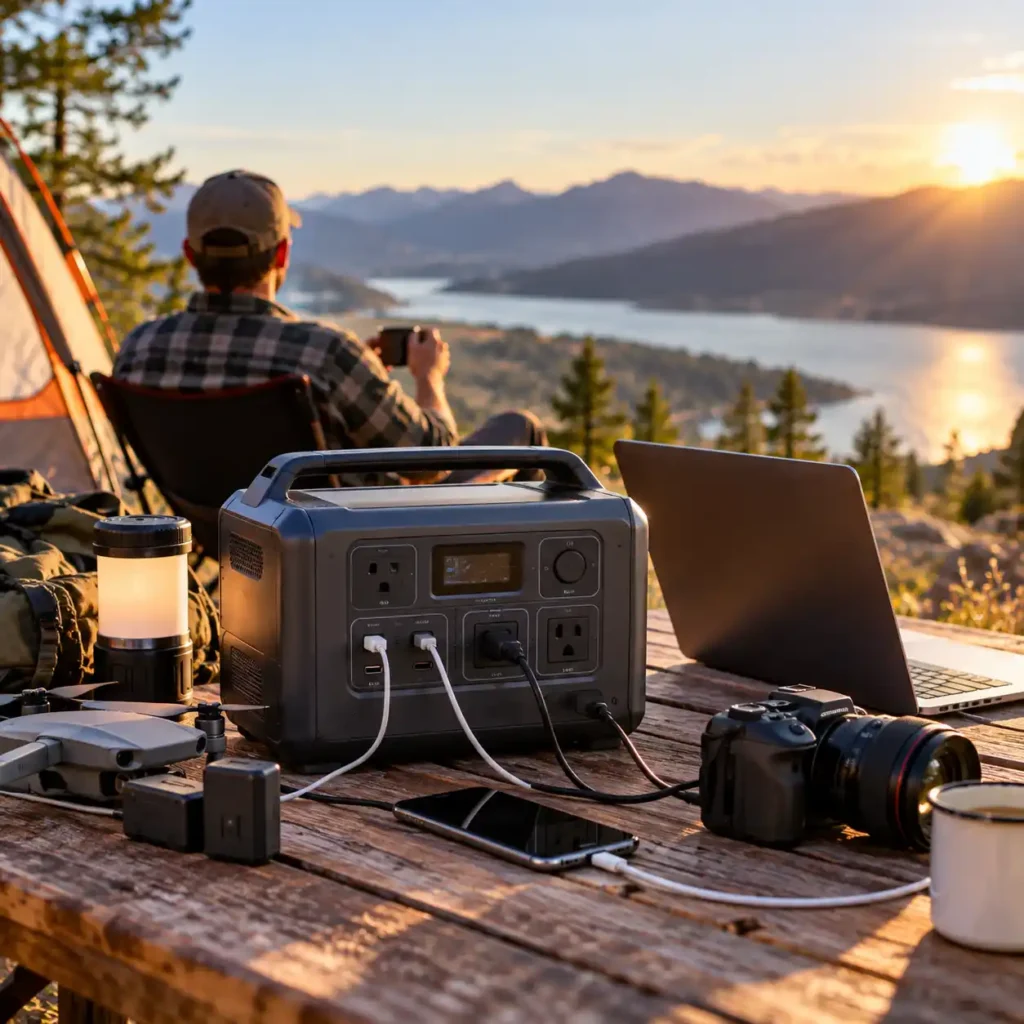
Table of Contents
Quick Answer
If you are wondering how many watts do I need, start with the devices you want to run at the same time. Add their running wattage to determine your continuous power requirement, then check whether any of those devices need additional startup or surge power.
But watts are only half of the equation.
You also need enough watt-hours (Wh) to keep those devices running for as long as you need. A power station can have plenty of battery capacity but still be unable to run a high-wattage appliance if its inverter output is too low. Conversely, a powerful inverter does not help much if the battery is too small to provide the required runtime.
A practical sizing process looks like this:
- List the devices you need to power.
- Add the running watts of devices that may operate simultaneously.
- Identify appliances with startup or surge requirements.
- Estimate how many hours each device needs to run.
- Determine the approximate energy requirement in watt-hours.
- Allow for real-world conversion losses and operating conditions.
- Choose a power station with enough continuous watts, surge capability, and usable capacity for the job.
The goal is not to buy the biggest power station you can afford. It is to buy one that is large enough for your actual electrical needs without paying for unnecessary capacity and weight.
What Does “How Much Power Do I Need?” Actually Mean?
The phrase “how much power” can be confusing because power stations are described using several different numbers.
The two most important are:
- Watts (W): how much electrical power the station can deliver at one time.
- Watt-hours (Wh): how much energy the battery stores and, ultimately, how long it can support a load.
These numbers answer different questions.
Watts answer:
Can the power station run my devices at the same time?
Watt-hours answer:
Can it keep them running for as long as I need?
For example, imagine a power station rated at 1,000Wh with a 1,800W continuous inverter.
The 1,000Wh figure tells you about its stored energy. The 1,800W figure tells you how much power its inverter can deliver at once.
That means the station may have enough energy to operate a modest load for several hours, while also having enough inverter capacity for certain higher-powered appliances.
This distinction is the foundation of power-station sizing. Do not choose a battery based on Wh alone, and do not choose an inverter based on W alone.
Start With What You Actually Need to Power
The easiest way to determine your power requirements is to forget about power stations for a moment.
Start with the equipment.
Ask yourself:
What do I actually need to keep running?
Your answer could be very different depending on the situation.
For example, a weekend camping trip might require power for:
- Smartphones
- Cameras
- LED lights
- A laptop
- A small fan
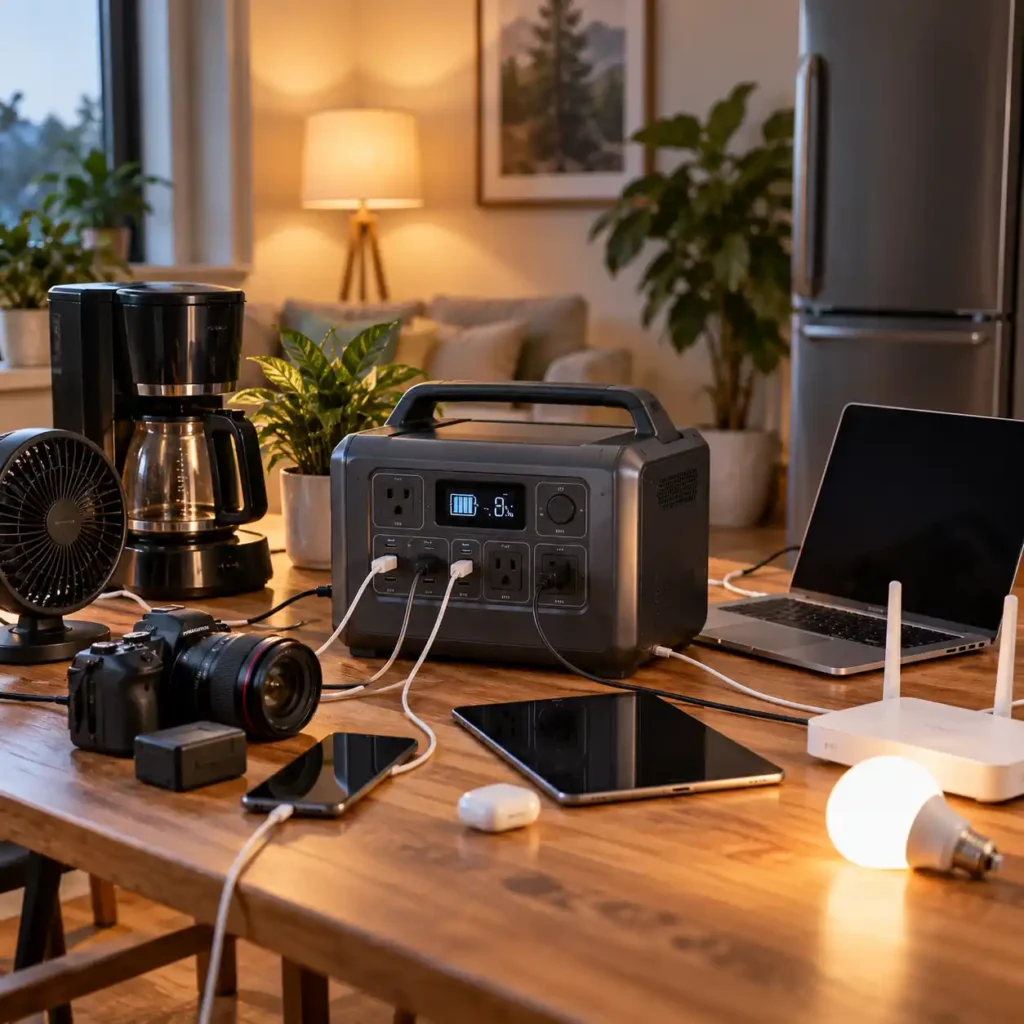
A short home blackout might require:
- Refrigerator
- Wi-Fi router
- Laptop
- Several lights
- Phone chargers
A more demanding emergency setup could include:
- Refrigerator
- Freezer
- CPAP machine
- Internet equipment
- Lighting
- Television
- Small kitchen appliances
The important point is that different loads create very different power requirements.
A person who only needs to charge electronics may need a compact power station. Someone trying to maintain essential household equipment during an outage may need substantially more continuous output and battery capacity.
Make a Simple Load List
Before looking at power-station specifications, write down the devices you expect to use.
A simple list might look like this:
| Device | Typical Running Power* | Approximate Daily Use | Why It Matters |
|---|---|---|---|
| Smartphone charger | 5–20W | 1–3 hours | Very low continuous load |
| Laptop | 45–100W | 4–8 hours | Moderate energy use |
| Wi-Fi router | 10–20W | 8–24 hours | Low power but potentially long runtime |
| LED lights | 5–15W each | 3–8 hours | Usually easy to support |
| Refrigerator | 100–250W running | Variable | Startup surge and compressor cycling matter |
| CPAP | 30–60W | About 8 hours | Overnight runtime is important |
*Actual consumption varies by model, settings, operating conditions, and duty cycle. Check the appliance label, manual, or measured consumption whenever possible.
This table is only a starting point. The goal is not to treat these numbers as universal specifications, but to identify the loads that need closer attention.
For exact appliance measurements, use the appropriate wattage tool rather than relying on generic estimates.
How Many Watts Do I Need for My Devices?
Once you know what you want to run, determine the running wattage of the devices that may operate simultaneously.
For example, suppose you want to keep these loads running during a short outage:
- Refrigerator: 150W
- Wi-Fi router: 15W
- Laptop: 65W
- LED lights: 30W
The simultaneous running load is:
150W + 15W + 65W + 30W = 260W
So you need a power station capable of delivering at least 260W continuously under those conditions.
But buying a 300W power station would leave very little headroom.
A better approach is to choose a continuous output comfortably above your expected simultaneous load, while also checking startup requirements for any motor-driven appliances.
Running Watts vs. Rated Output
This is where many sizing mistakes happen.
If your devices normally consume 500W together, a power station with a 500W continuous output rating is technically at the limit.
That does not necessarily mean it is a sensible choice.
Loads can fluctuate. Some appliances draw more power under certain conditions, and devices with motors or compressors may require substantially more power when starting.
For practical sizing, think in terms of:
Expected simultaneous load + reasonable headroom
rather than trying to operate continuously at the inverter’s maximum rating.
The exact amount of headroom depends on the equipment and the power station. There is no universal percentage that applies to every setup.
Do Not Forget Startup and Surge Power
Running wattage is not always the highest power demand an appliance creates.
Some equipment briefly draws substantially more power when it starts. This is commonly called startup power, starting watts, or surge power.
It is especially relevant for equipment with motors, compressors, pumps, or other components that require an initial burst of power.
Common examples include:
- Refrigerators
- Freezers
- Pumps
- Fans
- Power tools
- Air compressors
- Some heating or cooling equipment
Consider a refrigerator that normally uses around 150W while running.
You cannot assume that a power station only needs to provide 150W.
The compressor may require a significantly higher instantaneous output when it starts.
That means you need to check both:
Continuous output
The power station’s sustained inverter output.
Surge or peak output
The higher output it can provide temporarily under the manufacturer’s specified conditions.
Why a High-Wattage Inverter Can Still Be the Wrong Choice
Suppose your appliances have a combined running load of 600W.
A power station with a 1,000W continuous inverter might appear adequate.
But if one appliance has a startup requirement that pushes the temporary load above the station’s surge rating, the system may shut down or fail to start the appliance.
This is why how many watts do I need cannot be answered by adding only the numbers printed on appliance labels.
You need to understand both the normal operating load and the highest relevant startup demand.
Do not use a universal “double the wattage” rule. Startup requirements vary considerably between appliances and manufacturers. When the load is important, check the appliance documentation or measure it with an appropriate power meter.
When Do You Need More Watts?
A useful way to think about sizing is to separate power problems from energy problems.
You need more watts when the power station cannot supply enough power at one time.
For example, you may need more inverter output if:
- Several appliances must run simultaneously.
- A refrigerator or freezer has a high startup demand.
- You want to operate a microwave.
- You need to use a coffee maker or other high-wattage appliance.
- A power tool requires substantial startup power.
- The combined load is already close to the inverter’s continuous rating.
In these situations, adding more battery capacity does not necessarily solve the problem.
A 2,000Wh battery connected to a 600W inverter is still limited by that 600W inverter.
Adding another battery may increase runtime, but it does not automatically increase the power available from the inverter.
Watt-Hours: How Long Do You Need the Power to Last?
Once you know your required watts, the next question is:
How much energy do I need?
This is where watt-hours become important.
A watt-hour represents energy over time.
A simplified relationship is:
Energy required ≈ Power × Time
For example:
A 60W laptop operating for 5 hours would theoretically require:
60W × 5 hours = 300Wh
A 15W router operating for 8 hours would require:
15W × 8 hours = 120Wh
If both were used according to those assumptions:
300Wh + 120Wh = 420Wh
That gives you a useful estimate of the energy demand.
However, it does not mean a 420Wh power station will necessarily deliver 420Wh of usable AC energy to those devices.
Rated Watt-Hours Are Not the Same as Usable Energy
The capacity printed on a power station is a battery rating, not a promise of how much energy will reach your appliances through the AC outlets.
Energy can be lost through:
- Inverter conversion
- DC-to-AC conversion
- Internal electronics
- Battery management
- Cables and connectors
- Operating temperature
- Minimum battery reserve
- Load characteristics
This is why real-world runtime is normally shorter than a simple:
Battery Wh ÷ Load W
calculation suggests.
For a more precise estimate of the battery capacity required for a given load and runtime, use our Battery Capacity Calculator.
For example, a theoretical 1,000Wh battery supplying a constant 100W load would give:
1,000Wh ÷ 100W = 10 hours
But that is a simplified theoretical result.
If the system delivers only part of its rated battery energy to the AC load after conversion losses and other limitations, actual runtime will be lower.
For planning purposes, use the manufacturer’s published runtime information when available and treat simple calculations as estimates rather than guarantees.
More Watts or More Watt-Hours? Know Which Problem You Are Solving
This is one of the most useful distinctions when sizing a portable power station.
You need more watts when:
The devices cannot all run at the same time.
For example:
Refrigerator + microwave + lights
may exceed the inverter’s continuous or surge capability even if the battery has plenty of stored energy.
You need more watt-hours when:
The station can run the devices, but it cannot run them for long enough.
For example:
Refrigerator + router + lights
may fit comfortably within the inverter’s output rating but drain a smaller battery before the outage ends.
In simple terms:
Watts determine whether you can run the load. Wh determines how long you can keep running it.
That distinction should guide the rest of your sizing decision.
A Practical Example: Sizing for a Short Home Outage
Imagine you want to maintain a few essential devices during a four-hour outage:
- Router: 15W
- Laptop: 65W
- Three LED lights: 10W each
- Refrigerator: approximately 150W while running
If everything happened to operate simultaneously, the running load would be:
15W + 65W + 30W + 150W = 260W
So the power station needs sufficient continuous output above that level.
But the refrigerator also introduces a startup requirement, so its surge characteristics must be checked separately.
Now consider energy.
If the laptop runs for four hours:
65W × 4 = 260Wh
If the router runs for four hours:
15W × 4 = 60Wh
If the lights run for three hours:
30W × 3 = 90Wh
The refrigerator is more complicated because its compressor cycles rather than consuming its full rated running wattage continuously.
That is an important distinction.
You should not simply assume:
150W × 4 hours = 600Wh
and treat that as the refrigerator’s exact energy consumption.
Actual refrigerator energy use depends on the appliance, ambient temperature, compressor cycling, settings, and other conditions.
For a broader walkthrough of estimating household electricity demand, see our How to Calculate Power Consumption guide.
For a serious backup application, measured consumption is much more useful than a generic wattage estimate.
Why the Biggest Power Station Is Not Always the Best Choice
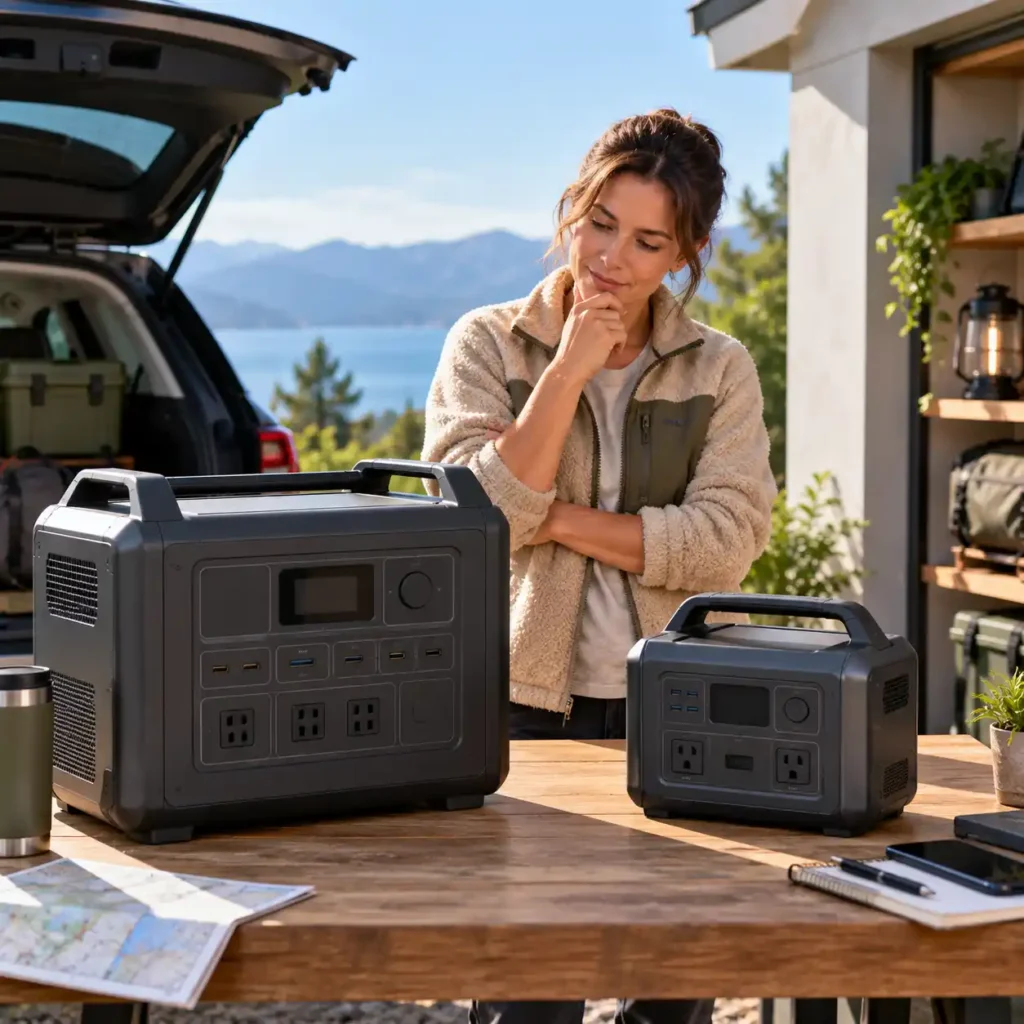
It is tempting to solve uncertainty by buying the largest battery available.
But oversizing has costs.
A larger power station generally means:
- More weight
- Greater physical size
- Higher purchase price
- More storage space
- Less convenient transportation
If your actual requirements are a laptop, router, lights, phones, and a camera, jumping from a compact system to a very large home-backup unit may provide capacity you rarely use.
The opposite problem is even more important: undersizing.
A small power station may look attractive because it is inexpensive and portable, but it can become frustrating if:
- The inverter cannot handle your appliances.
- Startup surge causes shutdowns.
- The battery runs out before the required runtime.
- You cannot recharge it quickly enough between outages.
The objective is therefore not maximum capacity.
It is appropriate capacity and output for the job.
How Much Power Do You Need for Common Situations?
Once you understand the difference between watts and watt-hours, sizing becomes much easier.
The right power station depends less on a universal number and more on what you need to power, how long you need it, and whether your devices have demanding startup loads.
The following examples are useful starting points, but they are not guarantees. Actual power consumption varies by device, settings, operating conditions, and usage patterns.
For Phones, Lights, and Small Electronics
If your main goal is to keep smartphones, tablets, cameras, LED lights, and other small electronics charged, you usually do not need a large power station.
These devices generally have relatively low power requirements, so portability may be more important than maximum capacity.
A compact power station in the 250–500Wh range may be appropriate for short trips or basic emergency charging.
The key questions are:
- How many devices will you charge?
- How often will you recharge them?
- Do you need AC outlets or mainly USB outputs?
- Will you carry the power station frequently?
Buying a much larger system may add weight and cost without providing meaningful benefits for this type of use.
For a Laptop and Wi-Fi Router
A laptop and router create a different requirement because the router may need to operate continuously while the laptop runs for several hours.
For example, a setup might include:
- Laptop: approximately 60W
- Wi-Fi router: approximately 15W
- LED light: approximately 10W
The simultaneous load would be around 85W.
That is a relatively modest continuous load, but runtime becomes important if you need to maintain your home office throughout a long outage.
A 500–1,000Wh power station may be a reasonable starting range for this type of scenario, depending on the actual equipment and required runtime.
If uninterrupted operation is important, also check whether the specific model supports an appropriate UPS or EPS function rather than assuming that every power station does.
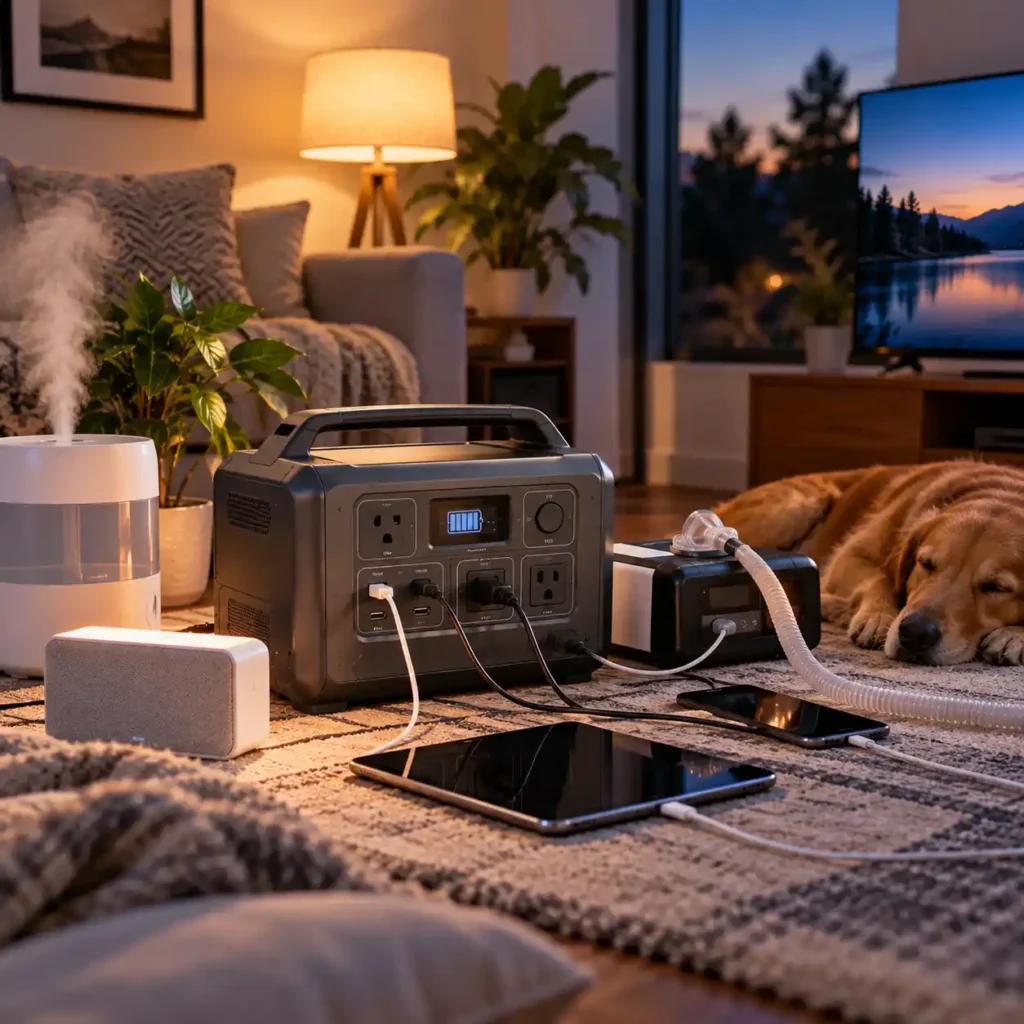
For CPAP Overnight
CPAP backup is primarily an energy and runtime problem, although the power station still needs compatible output.
A typical overnight period may be around eight hours, but actual consumption can vary considerably depending on the machine, pressure settings, humidifier, heated tubing, and other features.
If a CPAP uses relatively little power without heated accessories, a smaller power station may be sufficient. With a humidifier and heated tubing, the energy requirement can be substantially higher.
For this reason, do not size a CPAP backup system from a generic wattage figure alone.
Check the equipment specifications and, where possible, use measured consumption.
For medical equipment, also follow the manufacturer’s guidance regarding compatible power sources and backup operation.
For Refrigerator Backup
A refrigerator is one of the clearest examples of why how many watts do I need cannot be answered from the running wattage alone.
You need to consider:
- Running power
- Compressor startup requirements
- Compressor cycling
- Required outage duration
- Ambient temperature
- Actual energy consumption
- Recharge options
A refrigerator rated at approximately 150W while running does not necessarily consume 150W continuously for every hour.
The compressor cycles on and off, so its average energy consumption can be considerably different from its instantaneous running wattage.
At the same time, the compressor may require substantially more power when it starts.
For refrigerator backup, therefore, check both inverter output and battery capacity.
If refrigerator runtime is your main concern, our Refrigerator Runtime Calculator can help estimate how long a battery may support the fridge under the specified conditions.
If the refrigerator is an important emergency load, measured energy consumption is preferable to relying on a generic estimate.
For a Home Office During an Outage
A basic home office might include:
- Laptop
- Monitor
- Wi-Fi router
- Modem
- Desk lamp
- Phone charger
The total simultaneous load may still be relatively modest, but the required runtime can become significant during a prolonged outage.
A power station in the 500–1,500Wh range may be appropriate depending on the equipment and how long you need to work.
If your priority is keeping the internet and computer equipment running continuously through short interruptions, UPS/EPS capability may matter more than simply adding battery capacity.
If your priority is working for many hours during a long outage, battery capacity becomes increasingly important.
For Camping and Weekend Trips
Camping usually places greater emphasis on portability and efficient energy use.
Typical loads might include:
- Phones
- Cameras
- LED lights
- Laptop
- Small fan
- Portable electronics
For many weekend trips, a 500–1,000Wh power station can provide a useful balance between capacity and portability.
However, your actual needs may be much lower if you mainly charge small electronics.
Do not carry several kilograms of additional battery capacity simply because a larger model appears to offer better value per Wh.
The best camping setup is usually the one that provides enough energy while remaining practical to transport.
What Size Power Station Do You Need?
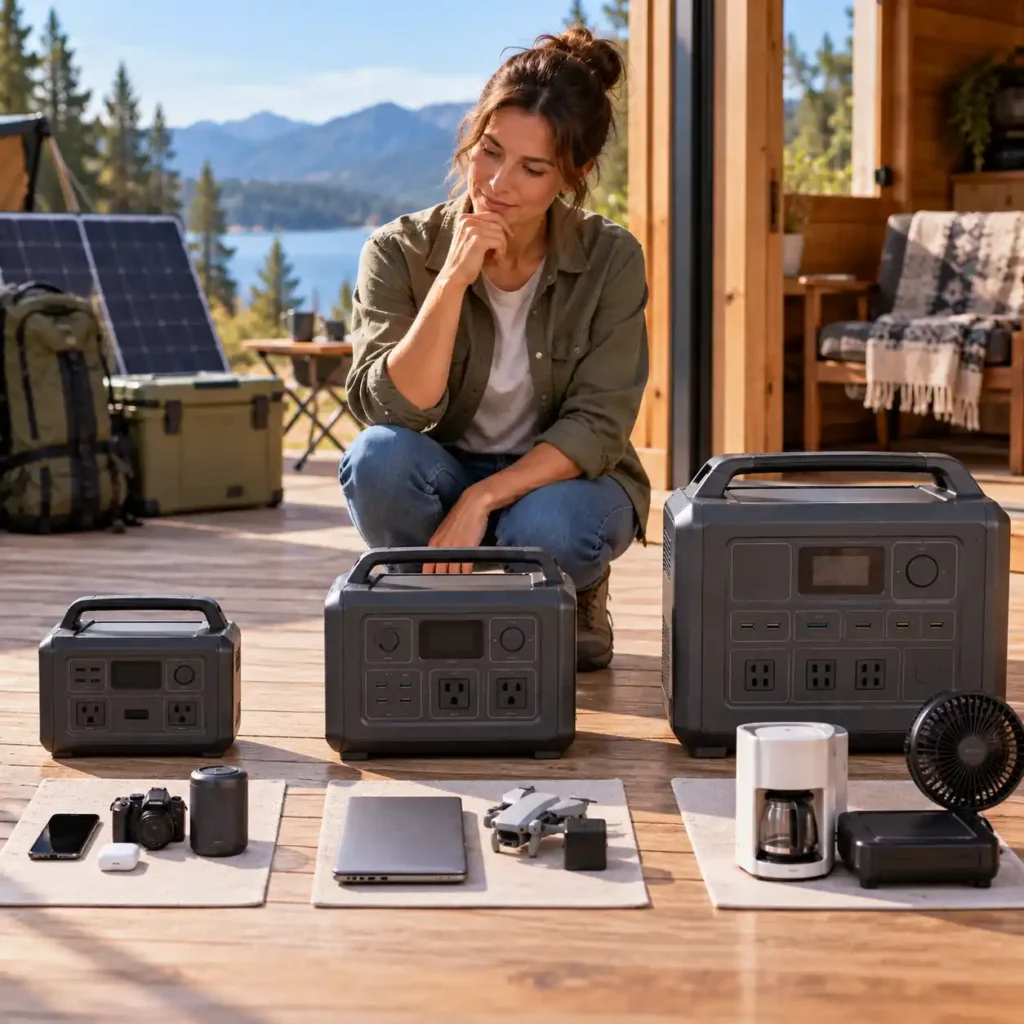
There is no single capacity that works for everyone, but broad capacity classes can help you narrow down the right range.
| Power Station Class | Typical Capacity | Good For | Typical Loads | Main Consideration |
|---|---|---|---|---|
| Compact | 250–500Wh | Short trips and emergency charging | Phones, lights, tablets, cameras | Portability |
| Small to Medium | 500–1,000Wh | Camping and basic backup | Laptops, routers, lights, small electronics | Balance of size and runtime |
| Medium | 1,000–2,000Wh | Extended camping and essential home backup | Refrigerator, CPAP, electronics, small appliances | Capacity and inverter output |
| Large | 2,000–4,000Wh | Longer outages and multiple essential loads | Refrigerator, freezer, electronics, selected appliances | Weight and cost |
| Very Large or Expandable | 4,000Wh+ | Extended backup and higher energy demand | Multiple essential loads and longer-duration backup | System size and complexity |
These ranges are planning categories, not performance guarantees.
Two power stations with similar battery capacities can behave very differently if their inverter output, surge capability, usable energy, charging systems, or operating conditions differ.
Always evaluate Wh and W together.
How to Avoid Buying Too Much or Too Little Power
The easiest way to avoid a poor purchase is to identify which limitation matters most for your situation.
Signs You Are Undersizing
You may be choosing a power station that is too small if:
- Its continuous output is below your simultaneous load.
- Its surge rating cannot handle your highest startup demand.
- The battery cannot provide your required runtime.
- You need to recharge more often than your situation allows.
- You regularly operate the inverter close to its maximum rating.
- You cannot run an important appliance when another device is connected.
Undersizing is particularly frustrating because the power station may look adequate on paper until you actually connect the equipment.
Signs You Are Oversizing
You may be buying more power station than you need if:
- Most of your loads are small electronics.
- You rarely use more than a fraction of the available capacity.
- You are paying substantially more for capacity you do not expect to use.
- The additional weight makes transportation inconvenient.
- The larger system takes up unnecessary storage space.
- You chose the capacity mainly because “bigger must be better.”
A larger battery can be useful, but unused capacity has a cost.
The right target is enough capacity and output with sensible headroom, not the highest specification available.
A Simple Sizing Framework
If you want to answer how many watts do I need without getting lost in specifications, follow this order.
Step 1: List Your Essential Devices
Write down everything you actually expect to power.
Do not start by looking at product capacities.
Start with the equipment.
Step 2: Identify the Simultaneous Loads
Determine which devices may operate at the same time.
Add their running wattage together to estimate the continuous load.
Step 3: Check Startup Requirements
Identify refrigerators, freezers, pumps, compressors, power tools, and other equipment that may require additional startup power.
Check the manufacturer’s specifications whenever possible.
Step 4: Determine Your Required Runtime
Ask how long the equipment needs to remain operational.
Four hours, overnight, one day, and several days can produce dramatically different energy requirements.
Step 5: Consider Usable Energy
Do not assume the entire advertised battery capacity will reach your AC devices.
Conversion losses and operating conditions affect real-world runtime.
Step 6: Add Practical Headroom
Choose enough continuous output that normal load fluctuations do not leave you operating continuously at the inverter’s limit.
For surge loads, verify that the manufacturer’s peak rating is appropriate for the equipment you intend to start.
Step 7: Decide Whether You Need More W or More Wh
This is the key decision.
If your equipment cannot start or run simultaneously, you need more output watts.
If the equipment runs successfully but the battery does not last long enough, you need more watt-hours.
Step 8: Only Then Compare Power Stations
Once you know your approximate requirements, product specifications become much easier to compare.
For a more precise calculation of your appliance load, use our Appliance Wattage Calculator.
For battery-energy requirements, use the Battery Capacity Calculator.
And when you are ready to translate those requirements into a power-station size, our Power Station Size Calculator can provide a more specific sizing estimate.
A Useful Rule: Size for Your Essential Loads First
During an outage, you rarely need every electrical device in your home to operate.
Trying to power everything can make a portable system unnecessarily large.
Instead, divide your equipment into three groups:
Essential Loads
These are the devices you genuinely need.
Examples:
- Refrigerator
- CPAP
- Router
- Medical equipment
- Basic lighting
Important but Flexible Loads
These improve comfort or productivity but may not need continuous power.
Examples:
- Laptop
- Television
- Monitor
- Fan
- Camera chargers
Optional Loads
These can usually wait until grid power returns.
Examples:
- High-power kitchen appliances
- Hair dryers
- Space heaters
- Large entertainment systems
- Other nonessential high-wattage devices
This approach can dramatically reduce the required power-station size.
Instead of asking:
“How can I power my entire house?”
ask:
“Which devices do I actually need to keep running?”
That is usually a much more practical starting point for portable backup power.
What If You Need Several Days of Backup?
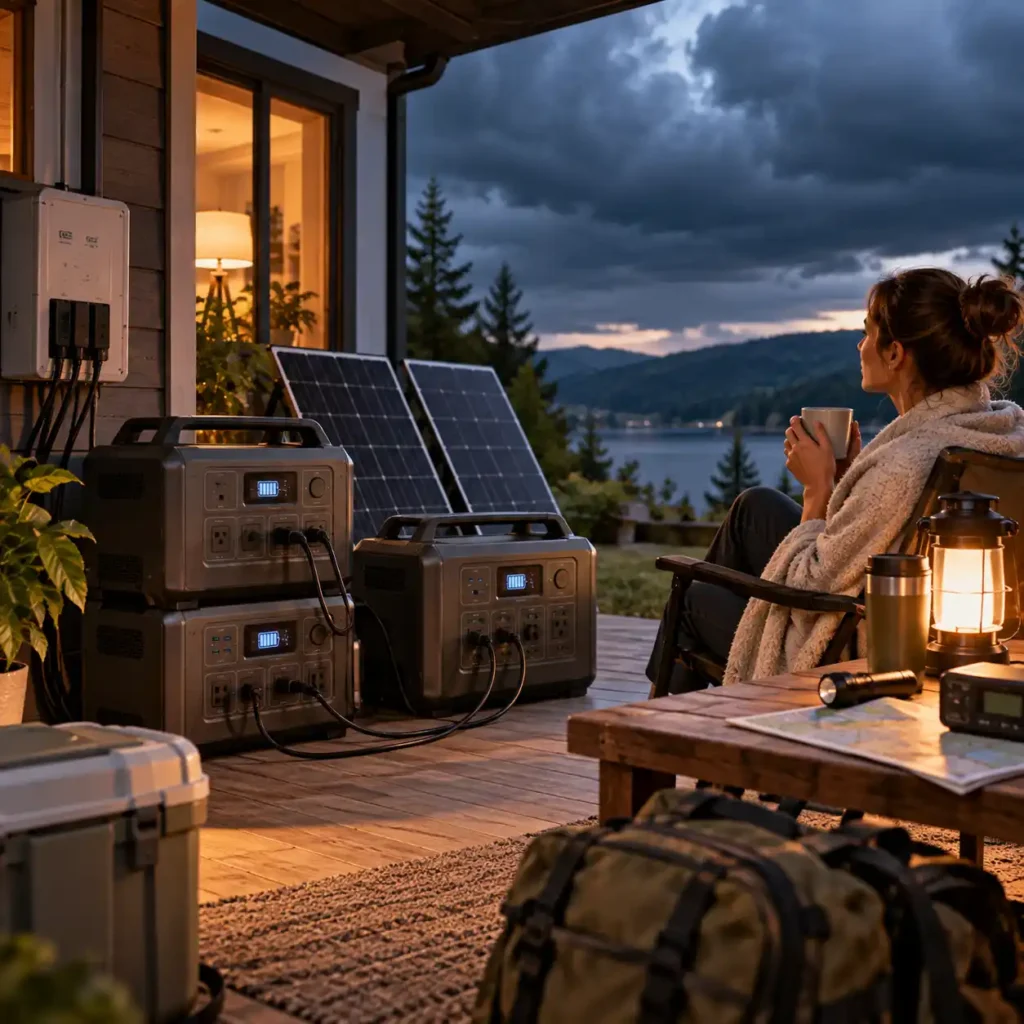
A portable power station can be extremely useful for short outages, camping, and selected essential loads.
But requirements change when an outage lasts for multiple days.
The challenge is no longer just battery capacity.
You also need to consider how the system will be recharged.
A large battery can provide substantial stored energy, but once that energy is used, you need a practical way to replenish it.
Depending on the situation, that may involve:
- AC charging when grid power returns
- Solar charging
- Vehicle charging
- Expansion batteries
- A combination of charging methods
For extended outages, think about the entire cycle:
Energy stored → energy consumed → energy replenished
A system with a huge battery but no practical recharge strategy may be less useful than a smaller system that can be replenished reliably.
When a Portable Power Station Is Not Enough
There is a point where increasing the size of a portable power station stops being the most practical solution.
A portable system may not be the right primary backup option if you need:
- Whole-house backup
- Central air conditioning
- Large electric water heaters
- Electric dryers
- High-power well pumps
- Multiple large appliances simultaneously
- Automatic whole-home transfer
- Several days of high electrical demand without a practical recharge source
Portable power packs are designed for specific portable backup applications, and safety standards such as UL 2743 address the batteries and equipment used in these systems. You can learn more about portable power pack safety and UL 2743 testing from UL Solutions.
For these situations, a permanently installed battery system, standby generator, or appropriately designed hybrid backup system may make more sense.
The important distinction is that a portable power station is generally strongest when you need flexible backup for selected loads, rather than unlimited whole-home power.
The Final Power-Sizing Checklist
Before buying a power station, you should be able to answer all of these questions:
- What devices do I actually need to power?
- Which devices will operate simultaneously?
- What is their combined running wattage?
- Does any appliance have a significant startup requirement?
- What continuous inverter output do I need?
- What surge output do I need?
- How many hours must each device operate?
- How much energy will I approximately consume?
- How much usable energy will the battery provide in real conditions?
- Do I need more watts or more watt-hours?
- How will I recharge the power station?
- Am I buying capacity I will realistically use?
- Is the power station practical to move and store?
- Does it support the ports and operating modes my equipment requires?
If you cannot answer these questions yet, you probably are not ready to compare individual models.
That is not a problem.
It simply means you should determine your requirements first.
Frequently Asked Questions
How many watts do I need for a portable power station?
The required wattage depends on the devices you want to run at the same time. Add their running wattage together, then choose a power station with enough continuous output to handle that load with reasonable headroom. You also need to check startup or surge requirements for appliances such as refrigerators, pumps, and power tools.
How many watt-hours do I need in a portable power station?
The required watt-hours depend on how much energy your devices consume and how long you need them to run. A small load used for many hours can require more battery capacity than a high-power appliance used briefly. For accurate sizing, consider both your expected energy use and the fact that rated battery capacity is not identical to usable AC energy.
What size portable power station do I need for home backup?
Start by identifying the essential devices you want to keep running rather than trying to power the entire house. A refrigerator, router, lights, CPAP machine, and selected electronics can require very different amounts of power depending on their individual consumption and required runtime. Larger outages or multiple high-power loads may require substantially more capacity and inverter output.
What can a 1000W portable power station run?
A 1000W power station can run devices whose combined continuous load stays within its inverter output, provided their startup requirements also fall within the station’s surge capability. It may handle laptops, routers, lights, televisions, and many smaller appliances, but high-wattage devices such as some microwaves may exceed its output. Battery capacity also determines how long the devices can operate.
How long will a portable power station run a refrigerator?
There is no universal runtime because refrigerators cycle on and off rather than drawing their rated running wattage continuously. Actual runtime depends on the refrigerator’s energy consumption, compressor cycling, startup demand, ambient temperature, and the power station’s usable AC capacity. A 1,000Wh station may provide many hours of refrigerator backup, but the actual result can vary significantly between appliances.
Can a portable power station run a microwave?
Yes, but only if the power station has sufficient continuous inverter output and surge capability for the microwave’s actual electrical input. Many microwaves require considerably more power than compact portable power stations can provide. Because microwaves are high-power appliances, they can also consume a significant amount of battery energy during even relatively short periods of use.
Can a portable power station run a CPAP machine all night?
Yes, many portable power stations can provide overnight CPAP backup, but the required capacity depends on the specific CPAP machine and its settings. Humidifiers and heated tubing can substantially increase energy consumption. Check the manufacturer’s power requirements and allow enough usable battery capacity for the entire period you need the equipment to operate.
How long does a portable power station last on one charge?
Runtime depends primarily on the station’s usable battery energy and the average power consumption of the connected devices. A lower-power load can run for many hours, while a high-power appliance can drain the battery much faster. The rated Wh capacity provides a starting point, but inverter losses, load changes, temperature, and appliance cycling affect actual runtime.
Can a portable power station power a whole house?
A portable power station can provide backup for selected essential household loads, but most portable units are not designed to operate an entire home without careful system sizing and appropriate electrical connections. Whole-house backup can require much greater inverter output, battery capacity, and properly designed transfer equipment. For many households, selecting essential loads is a more practical approach.
Do I need more watts or more watt-hours in a power station?
You need more watts when the inverter cannot supply enough power to run your devices simultaneously or handle their startup requirements. You need more watt-hours when the power station can run the devices but does not have enough stored energy to keep them operating for the required time. In simple terms, watts determine whether you can run the load, while watt-hours determine how long you can run it.
Final Takeaway
There is no universal answer to how much power you really need.
The right power station depends on three fundamental questions:
What do you need to run?
How much power do those devices require at the same time?
How long do you need them to keep running?
From there, the sizing process becomes much more straightforward.
Calculate your simultaneous running load. Check startup and surge requirements. Estimate your energy needs over time. Account for real-world losses. Then choose enough continuous output and usable battery capacity to provide practical headroom without carrying or paying for capacity you do not need.
Remember the simplest rule:
Watts determine whether you can run the load. Watt-hours determine how long you can run it.
Once you understand that distinction, choosing the right power level becomes far less about guessing and far more about matching the system to the actual job.
And if you already know your electrical requirements, the next step is not to buy the biggest power station.
Once you know your required output and capacity, the next step is to compare models based on features, portability, charging options, and intended use. Our How to Choose a Portable Power Station guide walks through those decisions in more detail.
It is to compare models whose continuous output, surge capability, usable capacity, charging options, and physical size fit those requirements.